English
 Deutsch
English
 Türkçe
 Italiano
 Français

Long-term rental management
Run monthly and multi-month rentals without juggling separate calendars, contracts, billing schedules, and spreadsheets.
Keep every agreement, renewal, invoice, partner rental, asset, customer, payment, and service date connected in one customizable rental workflow.
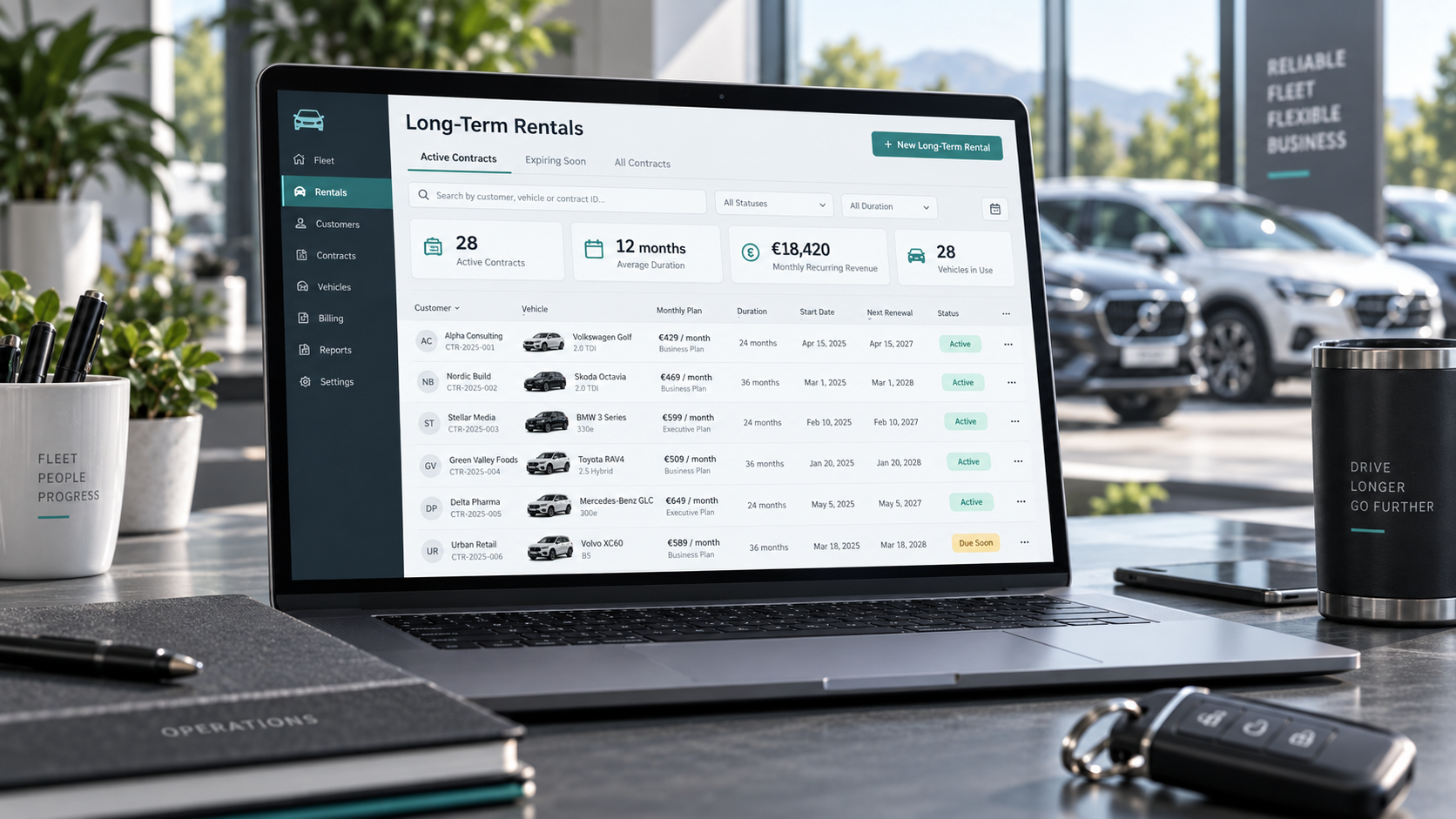
One workflow for the full rental lifecycle
From the first offer through extensions and the final return, your team works with one reliable record.
Recurring rental periods and billing
Manage monthly and multi-month agreements with recurring rental periods, due dates, deposits, mileage packages, discounts, and additional services in one workflow.
Automatic invoice creation
Automatically create invoices from agreed rental periods, recurring charges, mileage, add-ons, and extensions. Every invoice stays connected to the rental agreement and customer record.
Availability across the full contract term
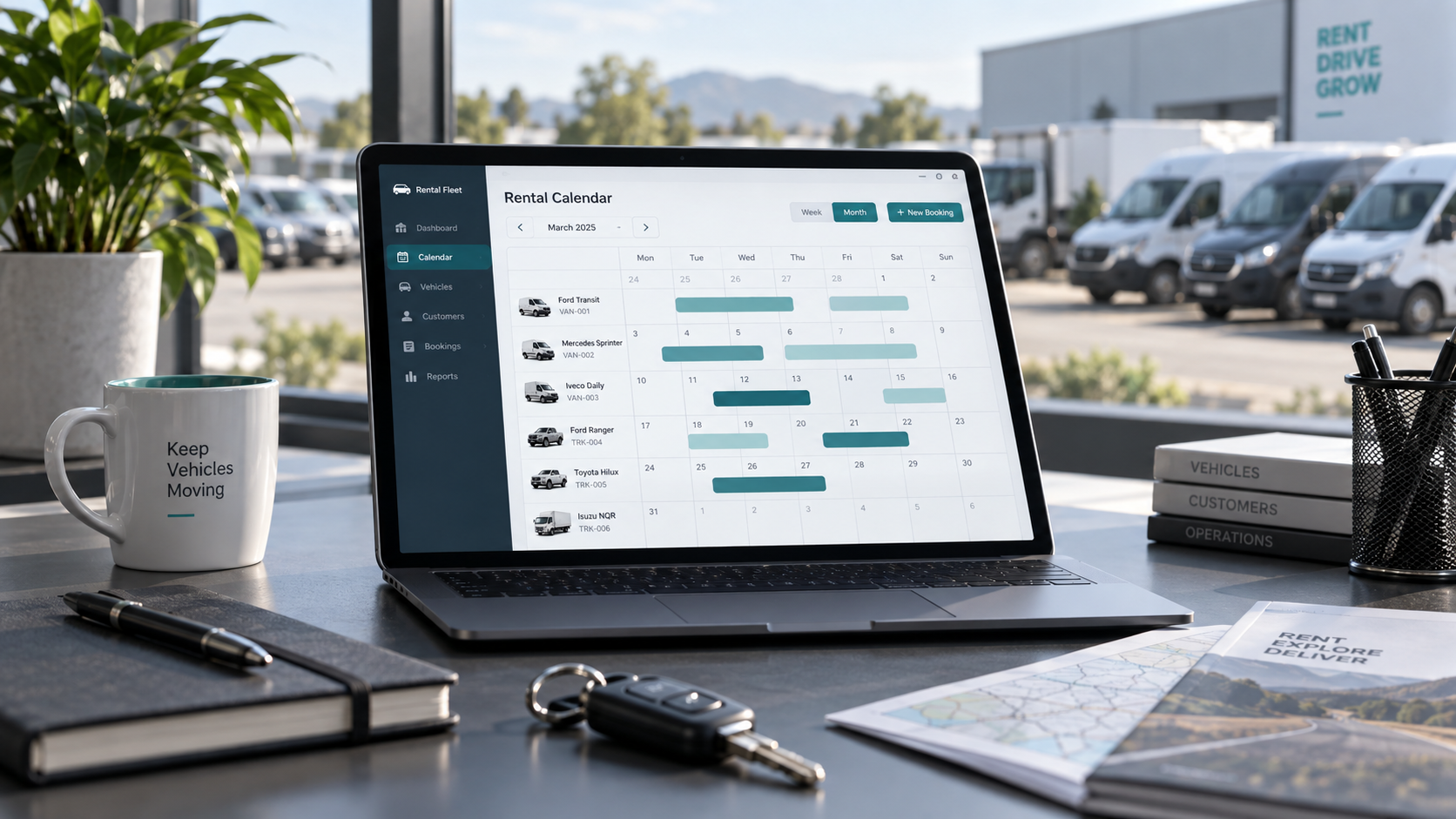
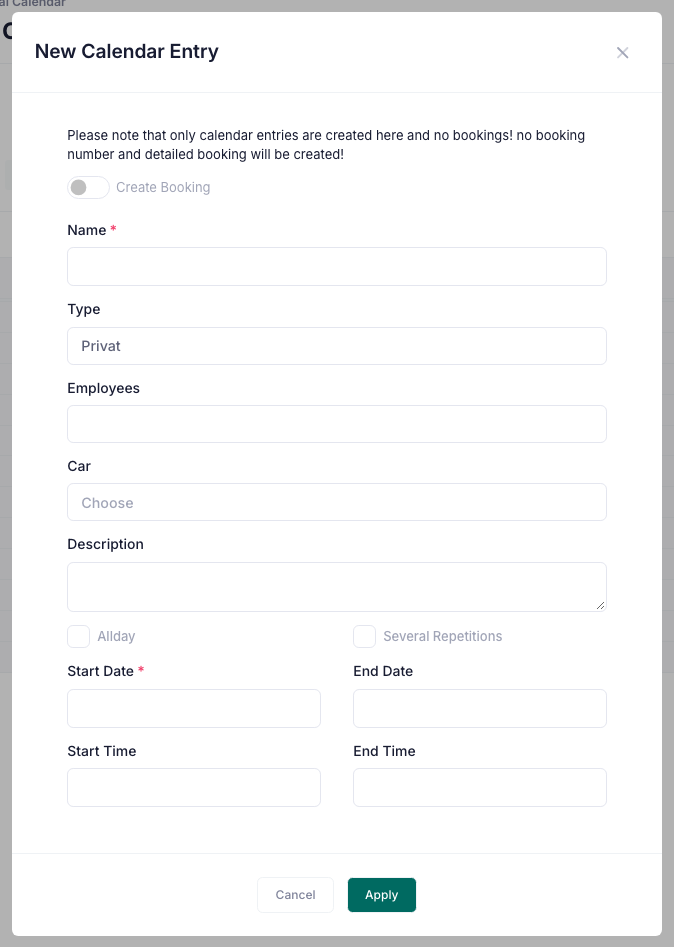
Reserve an asset for the complete agreement period and keep extensions, early returns, replacement vehicles, and planned follow-up bookings visible in the rental calendar.

Contracts, renewals, and documents
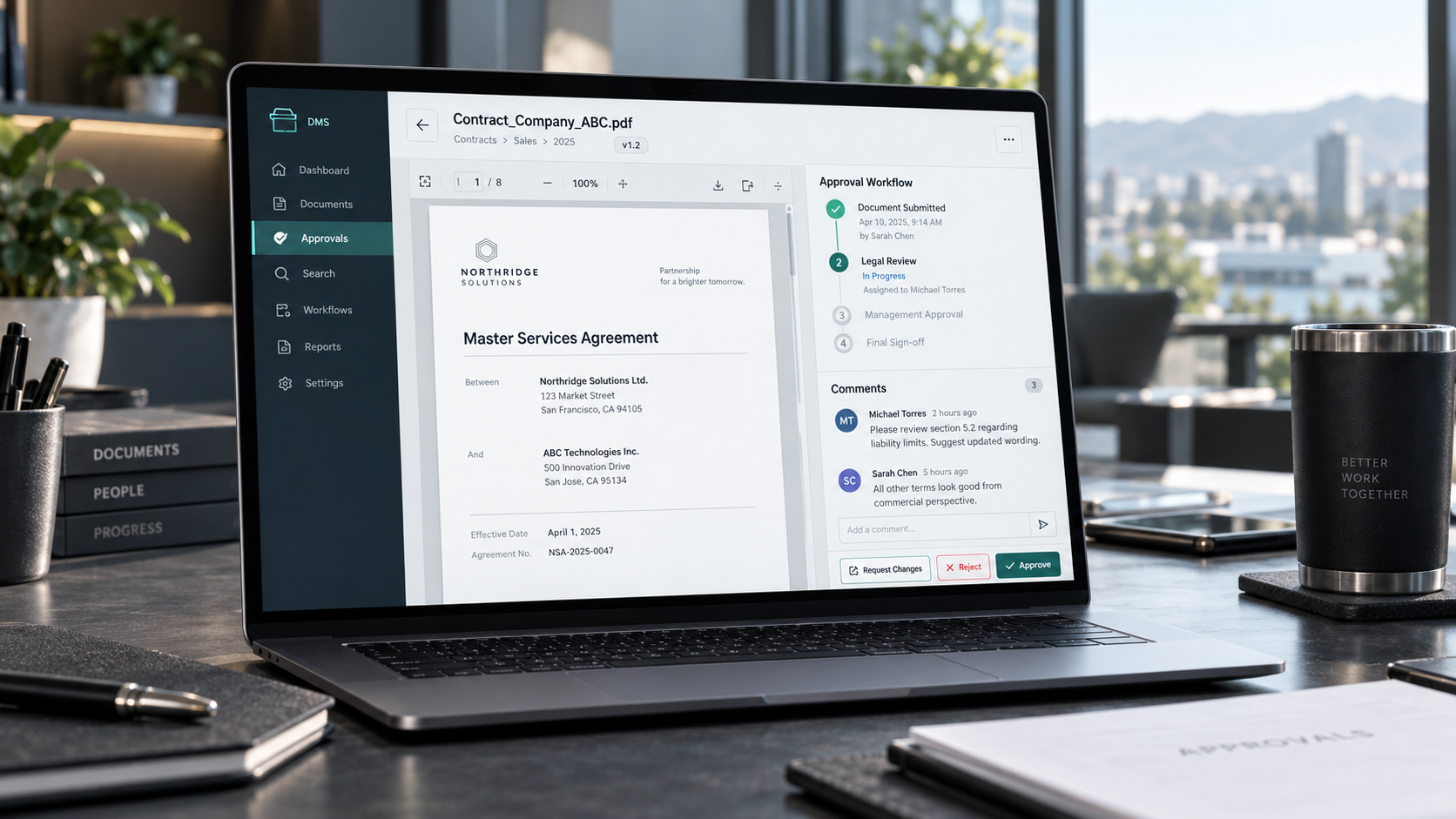
Create long-term rental contracts, store signed documents, track renewal dates, and keep handover and return records connected to the same rental.
Customer and asset history
Keep contacts, drivers, rented assets, contract changes, payments, mileage, damages, and communication together so your team has the complete history at hand.
Rent with partner companies
Share selected rental assets and availability with partner companies. Partners that also use Doards can view the shared offer and rent the asset directly in their own Doards workflow.
Maintenance without losing oversight
Plan inspections, servicing, tire changes, and replacement assets during an active agreement. Upcoming tasks remain visible alongside the rental schedule.
Recurring rental periods and billing
Manage monthly and multi-month agreements with recurring rental periods, due dates, deposits, mileage packages, discounts, and additional services in one workflow.
Automatic invoice creation
Automatically create invoices from agreed rental periods, recurring charges, mileage, add-ons, and extensions. Every invoice stays connected to the rental agreement and customer record.
Availability across the full contract term
Reserve an asset for the complete agreement period and keep extensions, early returns, replacement vehicles, and planned follow-up bookings visible in the rental calendar.
Contracts, renewals, and documents
Create long-term rental contracts, store signed documents, track renewal dates, and keep handover and return records connected to the same rental.
Customer and asset history
Keep contacts, drivers, rented assets, contract changes, payments, mileage, damages, and communication together so your team has the complete history at hand.
Rent with partner companies
Share selected rental assets and availability with partner companies. Partners that also use Doards can view the shared offer and rent the asset directly in their own Doards workflow.
Maintenance without losing oversight
Plan inspections, servicing, tire changes, and replacement assets during an active agreement. Upcoming tasks remain visible alongside the rental schedule.
Monthly invoicing on autopilot
Set it once on the rental. Doards then creates the invoice for every rental month by itself.
Monthly invoices, created automatically
Tick "create monthly invoices" on a long-term rental and Doards takes over. For every started rental month an invoice is prepared automatically, from the first month to the last.
Rental months from date to date
A rental month runs from the pickup day to the same day of the next month, not by calendar month. A rental that starts on the 12th is invoiced from the 12th to the 12th, and short months are handled correctly.
Draft first or send directly
You decide how much runs on its own. By default Doards creates invoice drafts for your review. Switch on sending and each month is issued as a final invoice with PDF, as an e-invoice where possible, and mailed to the customer.
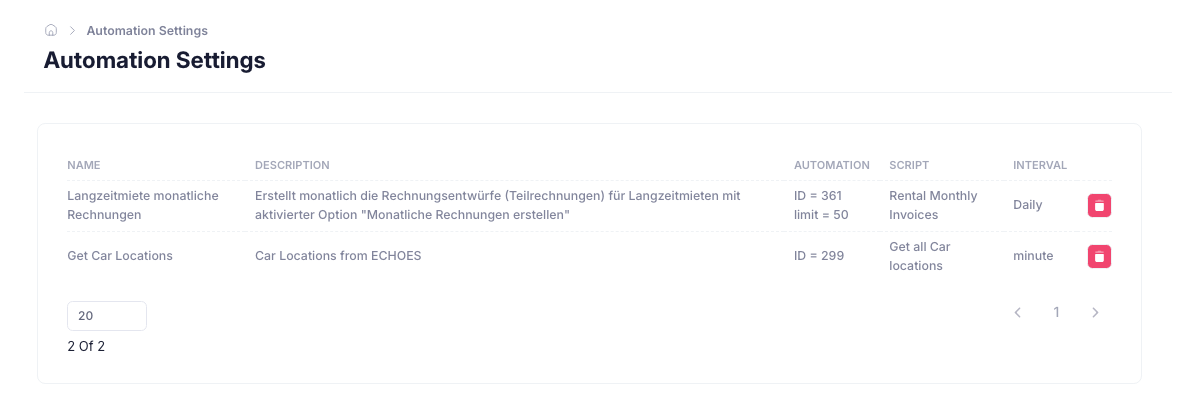
Every month invoiced exactly once
Doards notes on the rental which months are already invoiced. Nothing is billed twice, even when the automation runs many times a day.
The final invoice stays untouched
Monthly invoices are linked to the rental as partial invoices. The closing invoice of the rental and its payment status remain separate, so the final settlement stays clean.
Unsent invoices on the dashboard
The rental dashboard lists the monthly invoices that were created but not sent yet, so nothing waits unnoticed.

Monthly invoices, created automatically
Tick "create monthly invoices" on a long-term rental and Doards takes over. For every started rental month an invoice is prepared automatically, from the first month to the last.
Rental months from date to date
A rental month runs from the pickup day to the same day of the next month, not by calendar month. A rental that starts on the 12th is invoiced from the 12th to the 12th, and short months are handled correctly.
Draft first or send directly
You decide how much runs on its own. By default Doards creates invoice drafts for your review. Switch on sending and each month is issued as a final invoice with PDF, as an e-invoice where possible, and mailed to the customer.
Every month invoiced exactly once
Doards notes on the rental which months are already invoiced. Nothing is billed twice, even when the automation runs many times a day.
The final invoice stays untouched
Monthly invoices are linked to the rental as partial invoices. The closing invoice of the rental and its payment status remain separate, so the final settlement stays clean.
Unsent invoices on the dashboard
The rental dashboard lists the monthly invoices that were created but not sent yet, so nothing waits unnoticed.