English
 Deutsch
English
 Türkçe
 Italiano
 Français

Online signature for rental documents
Send rental contracts and handover documents to your customer as a signing link and get them back signed, without printing, scanning or an appointment at the counter.
The signed PDF is stored with the rental automatically, so contract, check-in and check-out stay complete in one place.
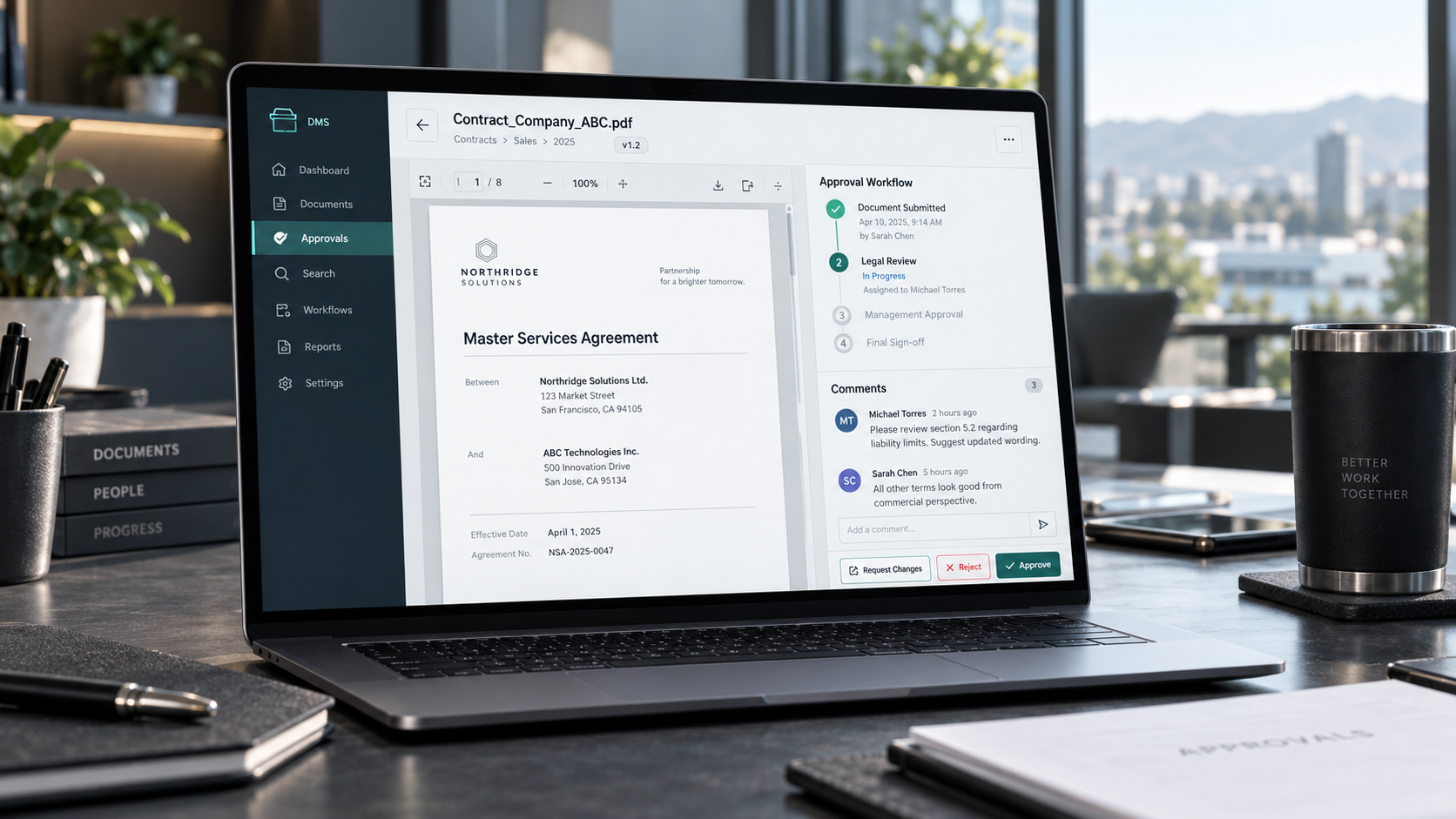
Signed in minutes, from any device
From the rental to the signed document without a single sheet of paper.
Send a signing link
Create the signature link directly in the rental and send it by email. You choose which documents of the rental the customer should sign, for example the rental agreement or the check-in and check-out protocol.

Sign on phone, tablet or computer
The customer opens the link, reads the document and signs with a finger or the mouse. No app, no account and no printer are needed.
Several documents with one link
One link can carry several documents. The customer signs them one after the other and Doards remembers which ones are already done.
Secure one-time links
Every link is personal and only opens the documents of this rental. A new link replaces the previous one, and Doards never stores the link itself, only a protected fingerprint of it.
Signed PDF in the rental file
After signing, the document is saved as a PDF with the electronic signature and stays attached to the rental. Your team sees at a glance what is signed and what is still open.
Works with your own templates
The signature works with your own rental agreement and protocol templates. Wording, logo and layout stay exactly as you defined them in Doards.
Send a signing link
Create the signature link directly in the rental and send it by email. You choose which documents of the rental the customer should sign, for example the rental agreement or the check-in and check-out protocol.
Sign on phone, tablet or computer
The customer opens the link, reads the document and signs with a finger or the mouse. No app, no account and no printer are needed.
Several documents with one link
One link can carry several documents. The customer signs them one after the other and Doards remembers which ones are already done.
Secure one-time links
Every link is personal and only opens the documents of this rental. A new link replaces the previous one, and Doards never stores the link itself, only a protected fingerprint of it.
Signed PDF in the rental file
After signing, the document is saved as a PDF with the electronic signature and stays attached to the rental. Your team sees at a glance what is signed and what is still open.
Works with your own templates
The signature works with your own rental agreement and protocol templates. Wording, logo and layout stay exactly as you defined them in Doards.