English
 Deutsch
English
 Türkçe
 Italiano
 Français

Customizable logistics
Parcels, pallets, containers or bulk goods: Doards handles every kind of shipment and adapts to the way your logistics company works.
Define your own shipment types, statuses and driver activities, and plan, deliver and document every shipment in one system.
Built around your freight
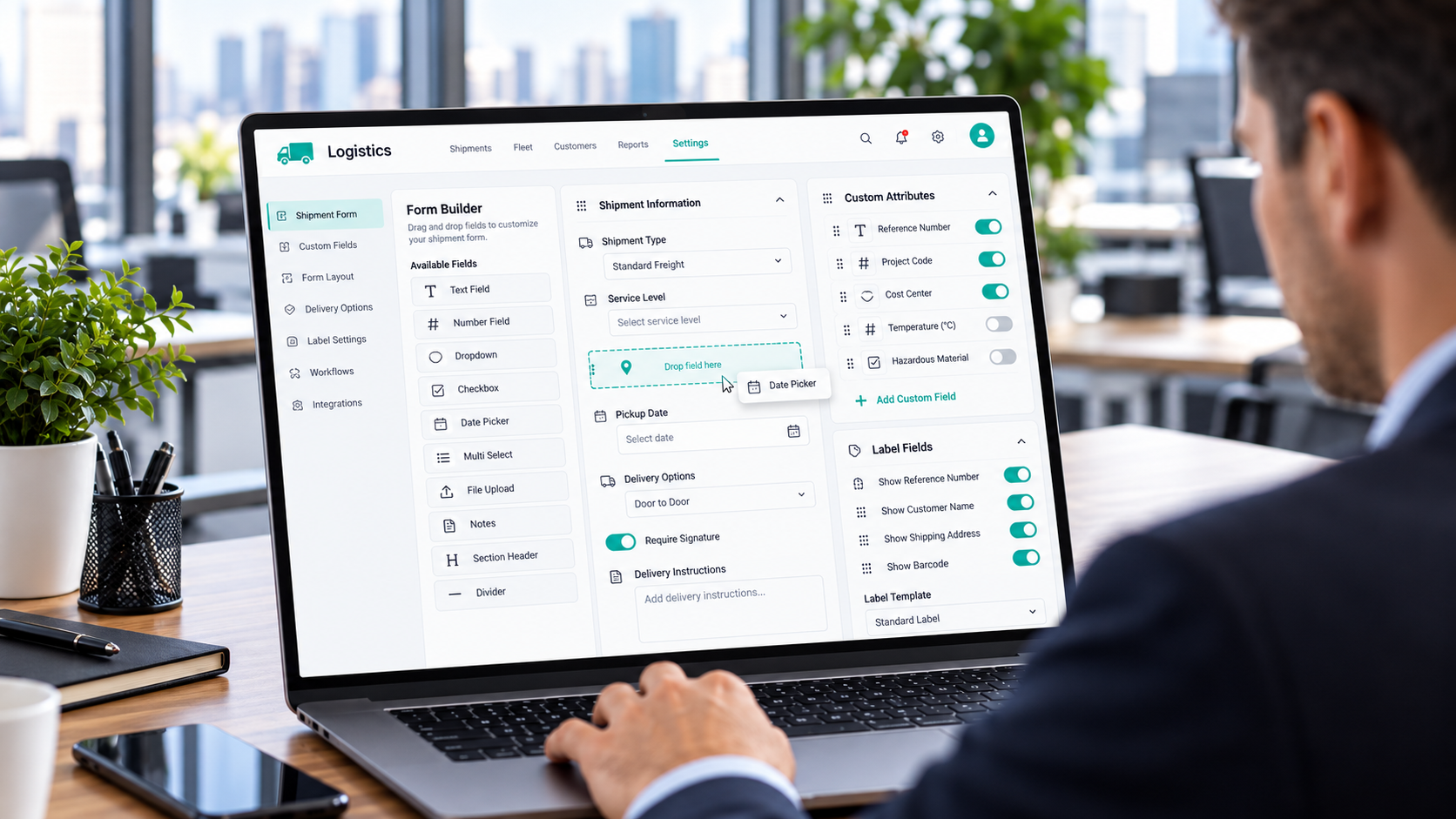
Set up Doards once for your cargo and your processes. The software follows your logistics, not the other way round.
Any freight: parcel, pallet or container
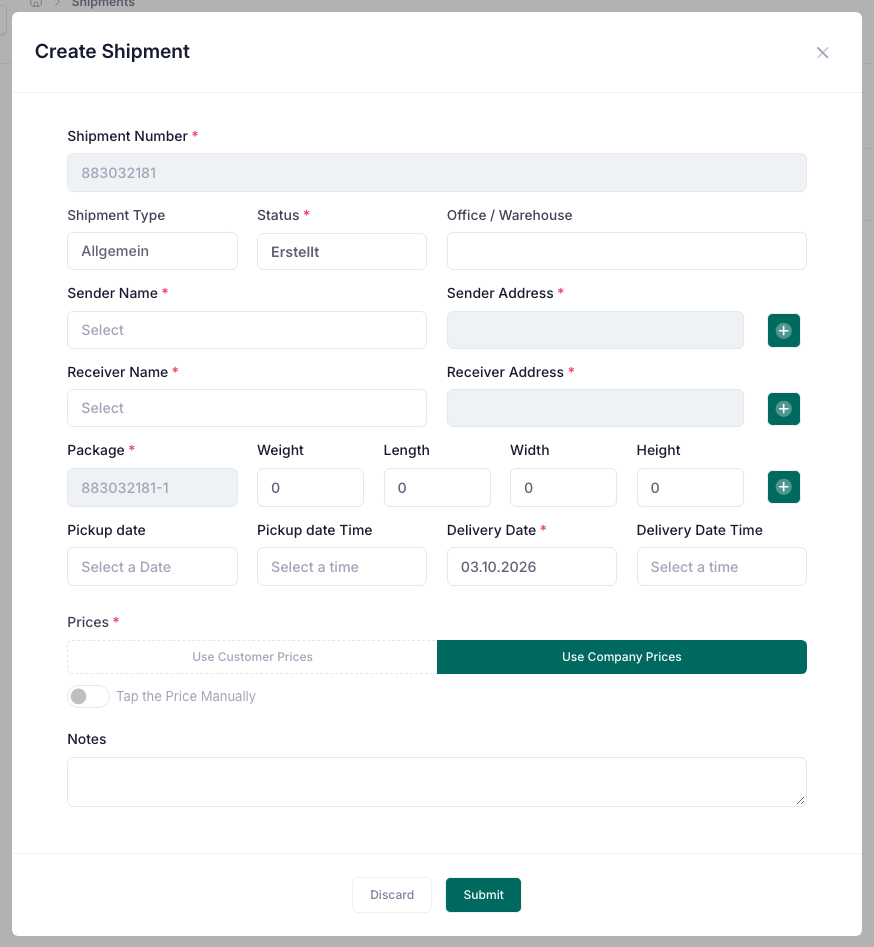
A shipment holds as many packages as you need, each with description, quantity, weight and dimensions. Whether you move single parcels, full pallets or sea containers, the shipment is built the way your cargo really looks.
Your own shipment types
Create the shipment types your business works with, such as express, groupage, full load or container, and give each one a colour. The types appear as badges in the list, in the filters and on the calendar.
Your own statuses and driver activities
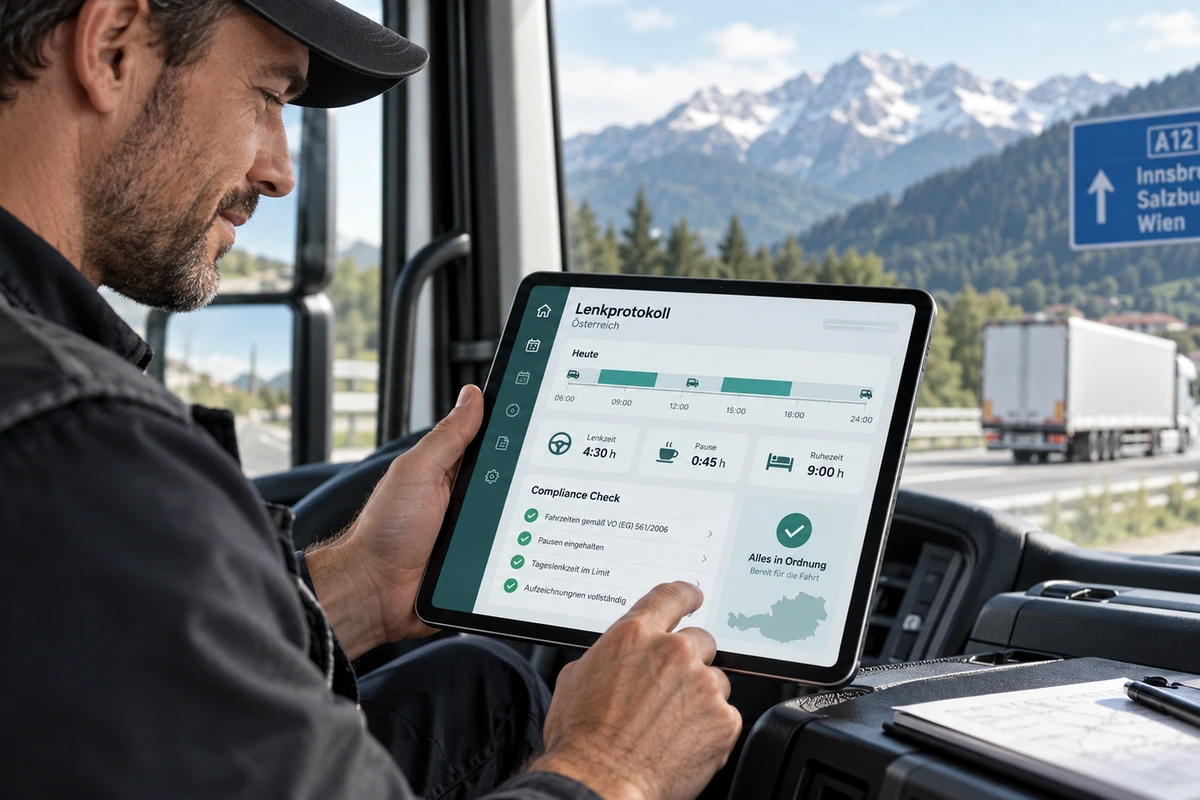
Name the steps of your process yourself. Define the statuses a shipment runs through and the activities your drivers report on the road, such as loaded, waiting or delivered.
Pickup and delivery with date and time
Plan every shipment with a pickup and a delivery date, each with an optional time. Both dates can be used in filters and exports.
Shipment calendar for dispatch
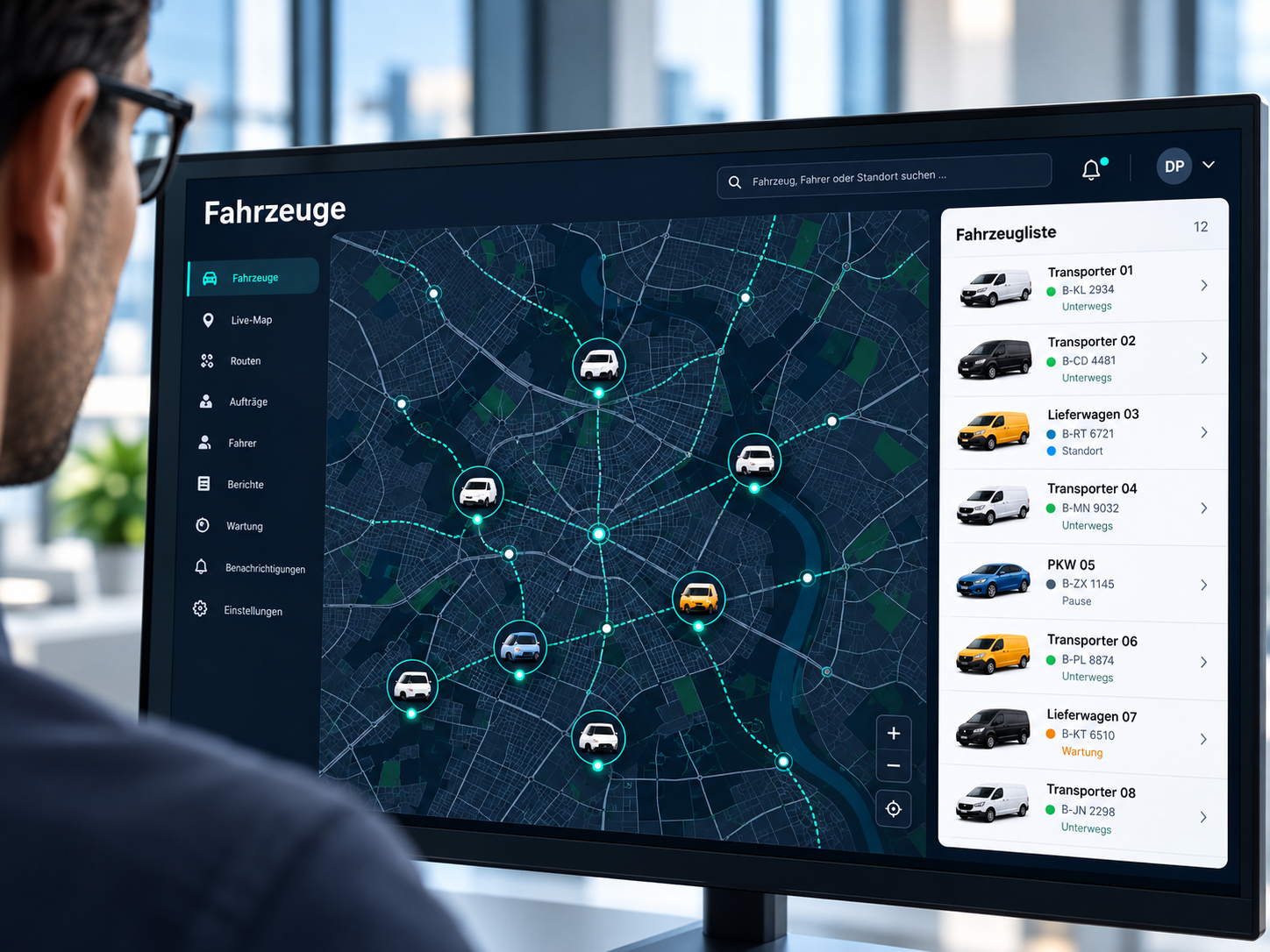
See all shipments on a calendar and narrow them down by driver, status and type. The office plans on the same entries the driver sees in the app.
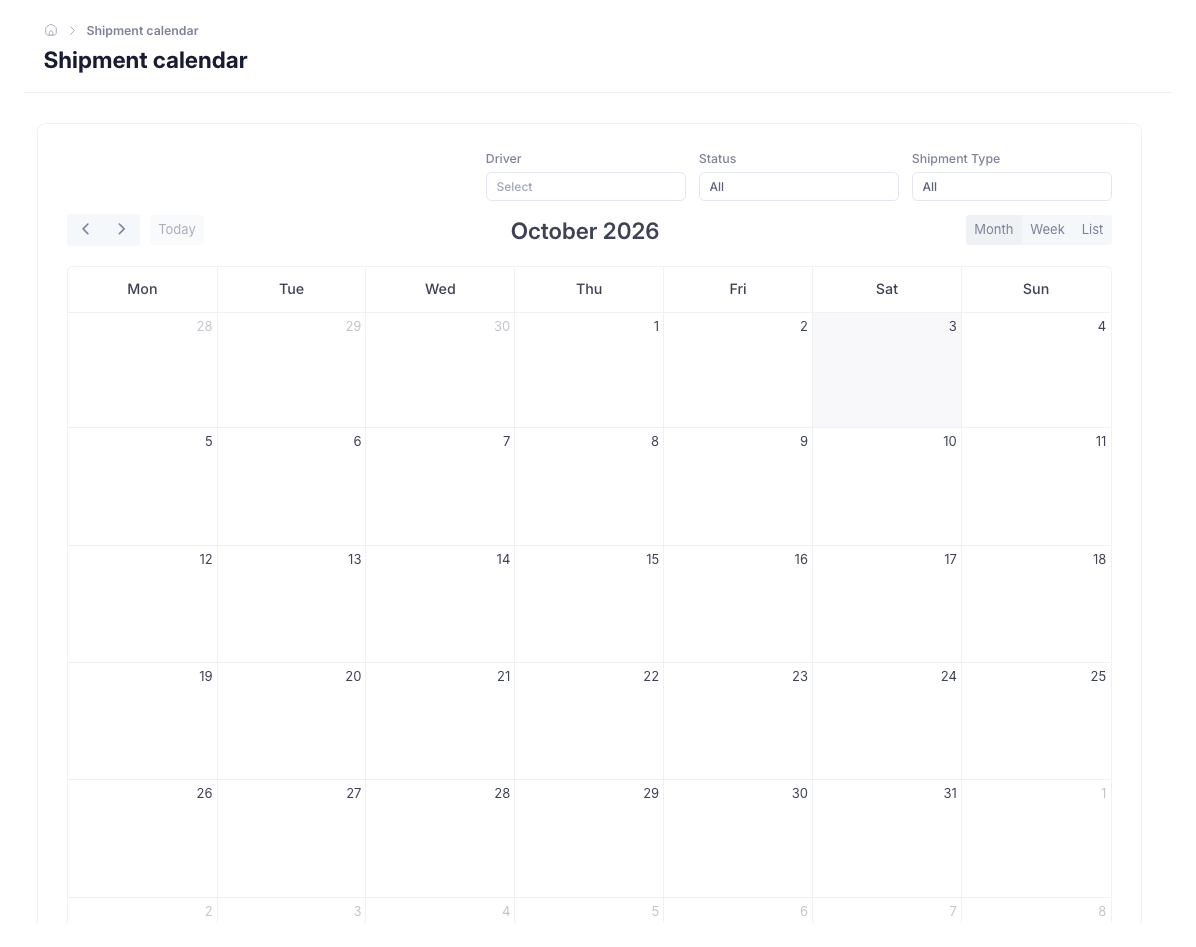
Delivery notes and labels
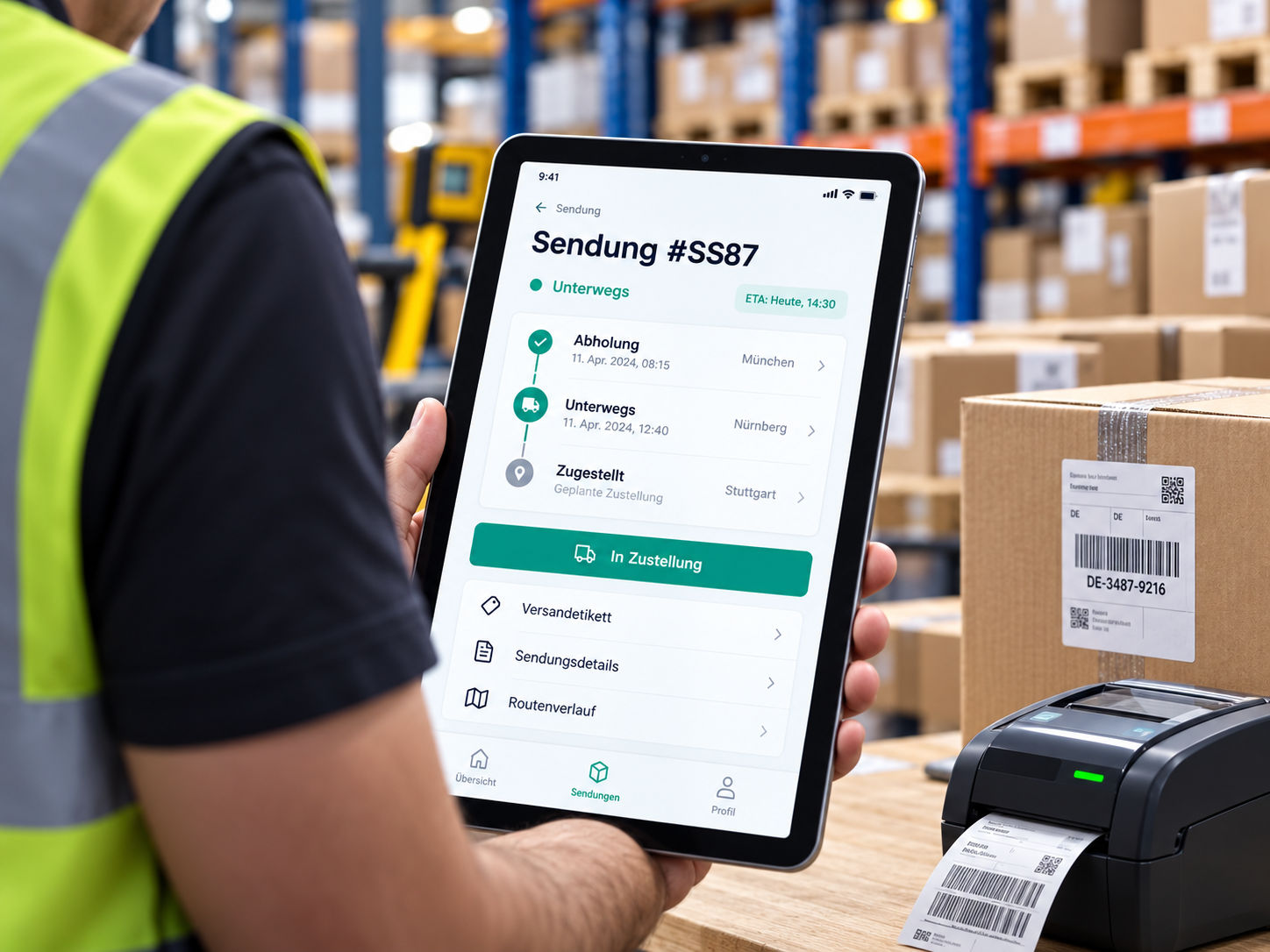
Print delivery notes and shipping labels from the shipment using templates adapted to your business.
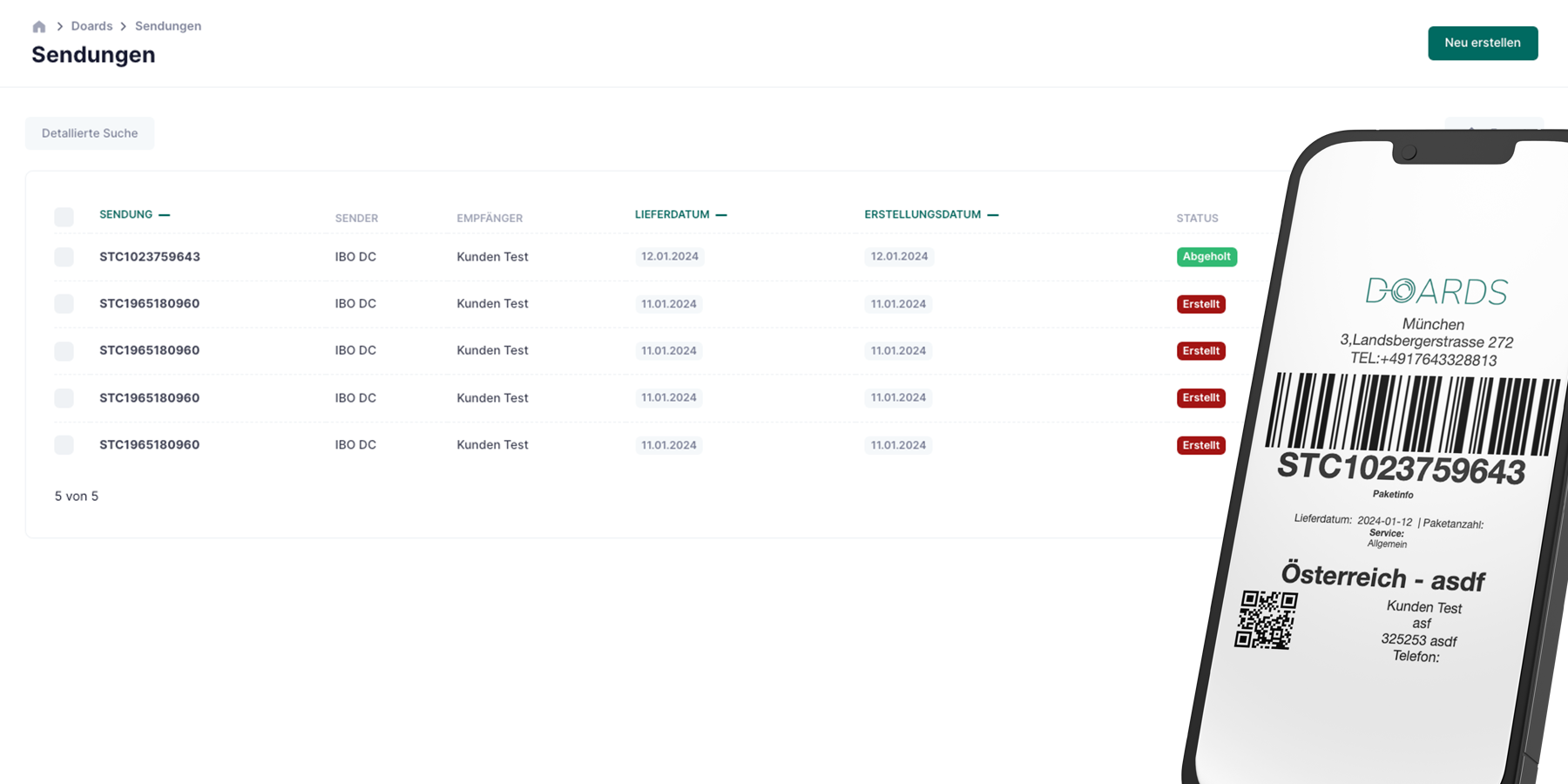
Driver app with customer signature
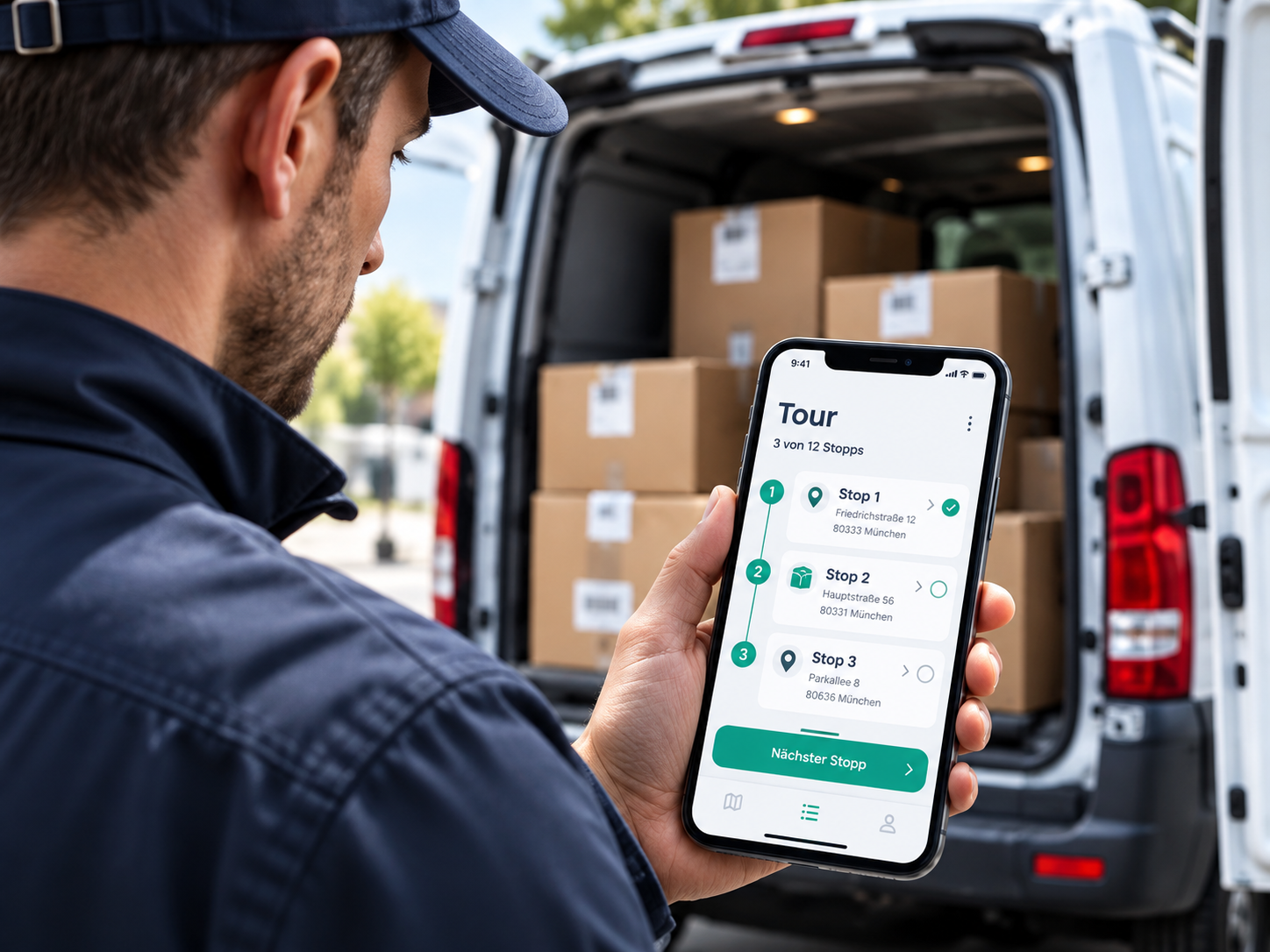
Drivers see their assigned shipments, the packages and the route to the receiver. They start and end the delivery in the app, report activities and collect the signature of the customer. The shipment status changes automatically.
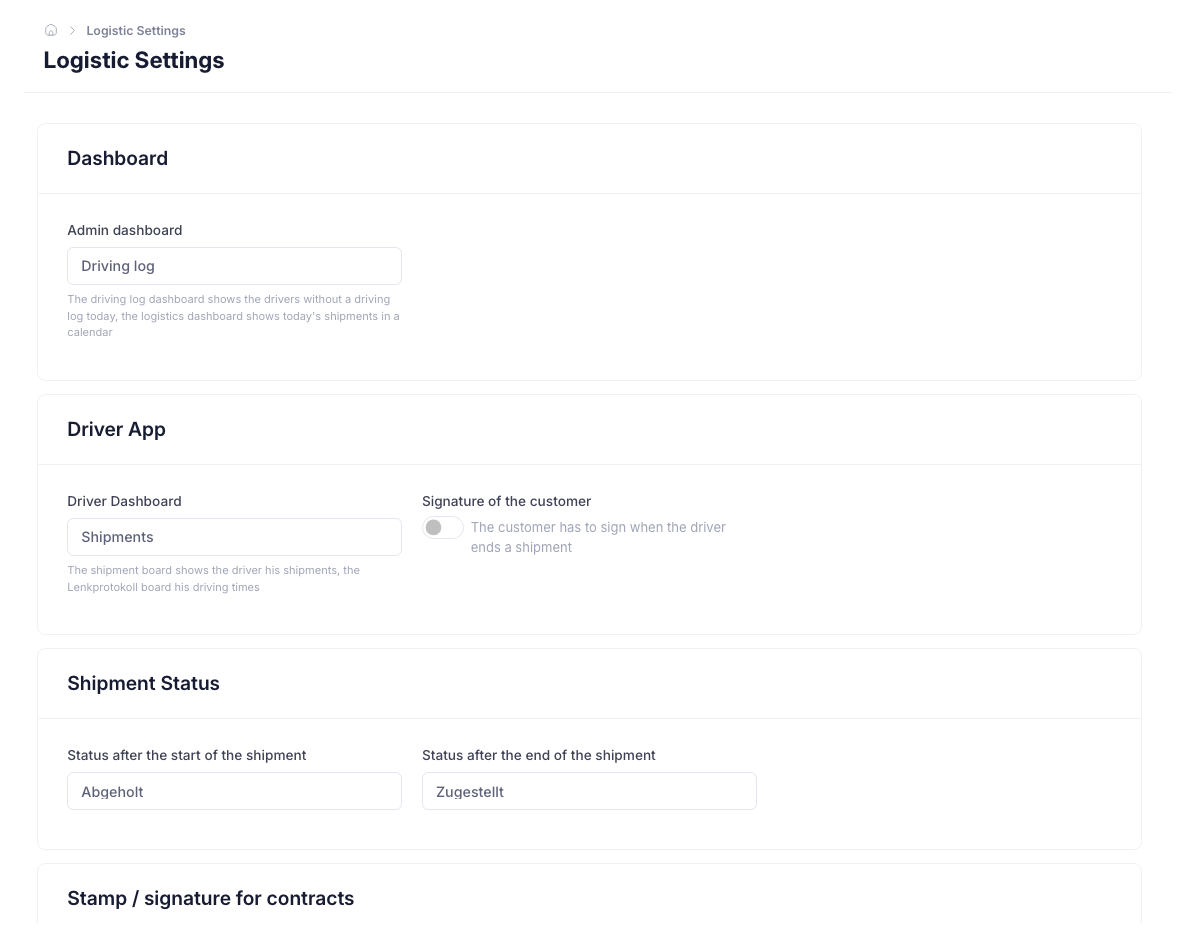
Update many shipments at once
Select several shipments and set a status or assign a driver in one step, the way a dispatcher works on a busy day.
Any freight: parcel, pallet or container
A shipment holds as many packages as you need, each with description, quantity, weight and dimensions. Whether you move single parcels, full pallets or sea containers, the shipment is built the way your cargo really looks.
Your own shipment types
Create the shipment types your business works with, such as express, groupage, full load or container, and give each one a colour. The types appear as badges in the list, in the filters and on the calendar.
Your own statuses and driver activities
Name the steps of your process yourself. Define the statuses a shipment runs through and the activities your drivers report on the road, such as loaded, waiting or delivered.
Pickup and delivery with date and time
Plan every shipment with a pickup and a delivery date, each with an optional time. Both dates can be used in filters and exports.
Shipment calendar for dispatch
See all shipments on a calendar and narrow them down by driver, status and type. The office plans on the same entries the driver sees in the app.
Delivery notes and labels
Print delivery notes and shipping labels from the shipment using templates adapted to your business.
Driver app with customer signature
Drivers see their assigned shipments, the packages and the route to the receiver. They start and end the delivery in the app, report activities and collect the signature of the customer. The shipment status changes automatically.
Update many shipments at once
Select several shipments and set a status or assign a driver in one step, the way a dispatcher works on a busy day.