English
 Deutsch
English
 Türkçe
 Italiano
 Français

Moving service software
From the first request to the signature in the new home: Doards plans, dispatches and documents every move of your moving service in one system.
The office plans in one calendar, your crews run every job on their phone, and the customer signs at the handover.
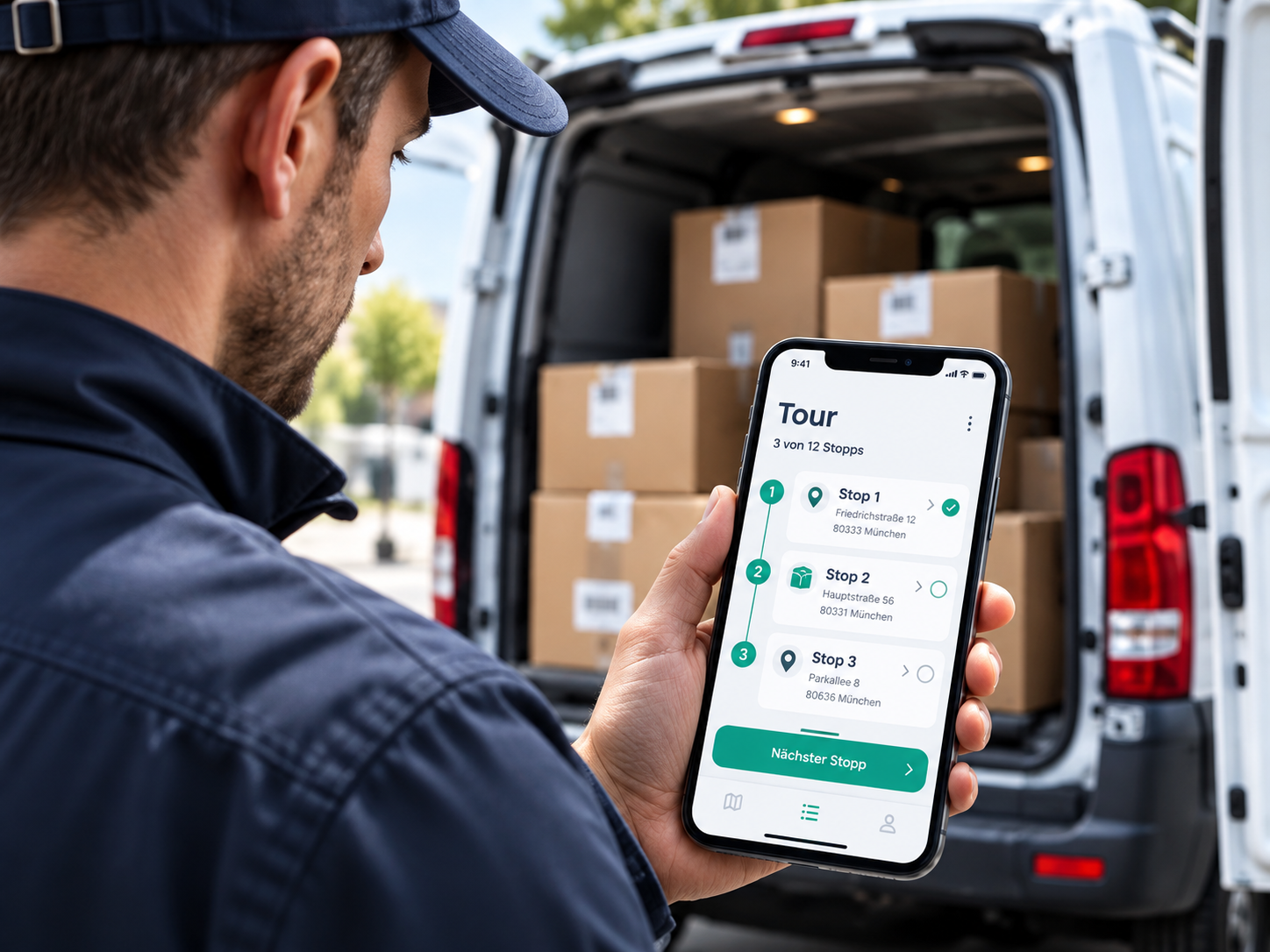
The driver app for your moving crews
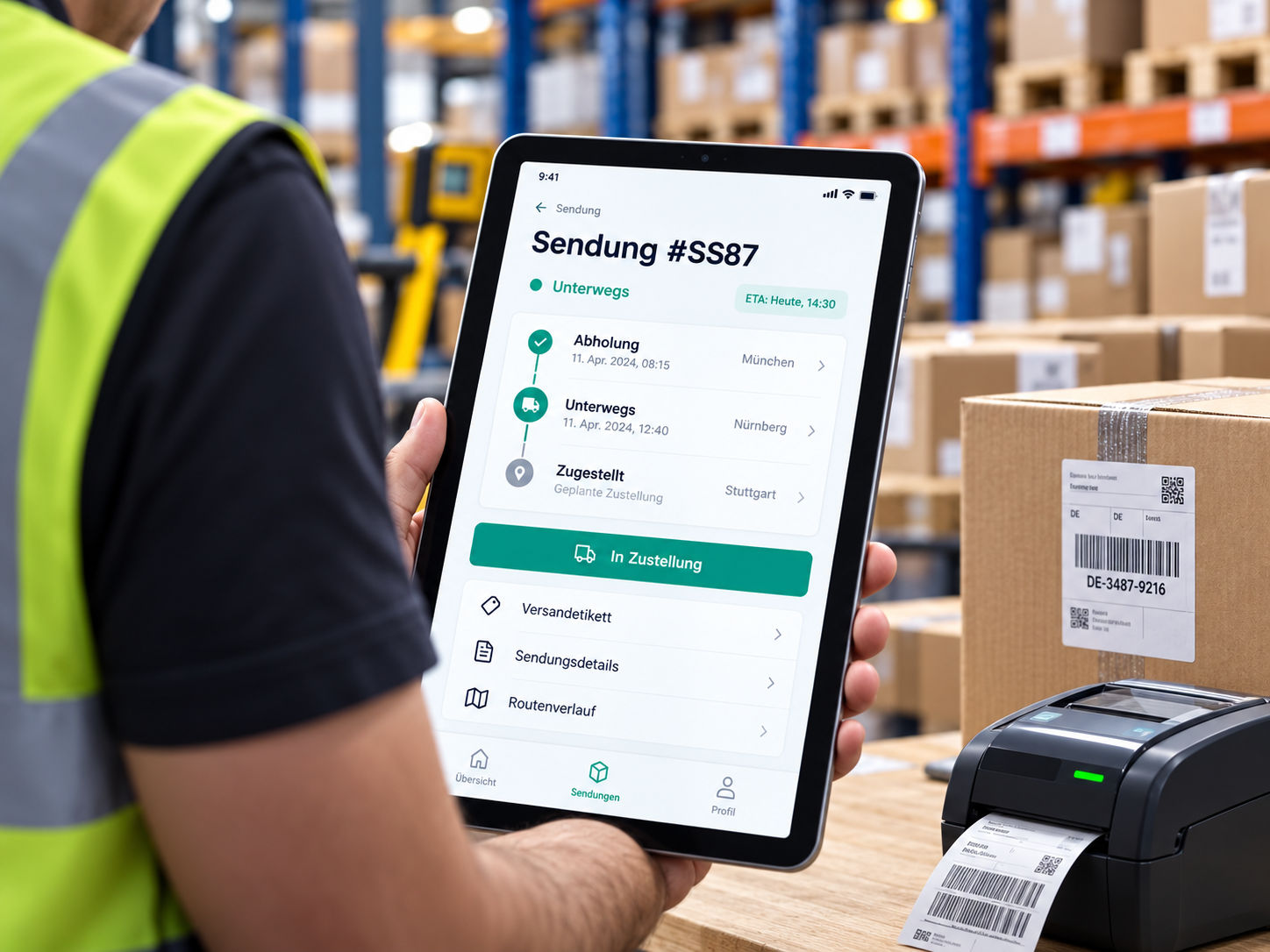
Drivers and movers work on their phone: they see their jobs, drive to the address, report progress and let the customer sign for the handover.
Your day on the phone
The driver opens the app and sees the moves of today: sender and receiver, number of packages and the assigned vehicle. Below the day, a calendar shows all moves of the driver and switches between day and week, so the next jobs are never a surprise.
Start your assigned jobs with one tap
A move can only be started and ended by the driver the office assigned it to. At the start the driver confirms the vehicle and the tour they drive with, and the move is set to picked up. The office sees at once which moves are running.
Addresses, packages and route
One tap opens the info of the move with sender, receiver and the addresses, and lists every package. The route button starts the navigation to the receiver in Google Maps. If the office created a delivery note, the driver shows it to the customer on the phone.
Report progress from the road
While they work, drivers send activities with a short note into the move. You name the activities yourself, for example loaded, waiting or unloaded, and the office sees them in the move.
Handover with customer signature
At the end of the job the driver ends the move in the app, adds notes and lets the customer sign with their name directly on the phone. The signature is stored as an image with the move, so the office sees who took over the delivery.
Working hours in the app
Drivers and movers confirm their working hours directly in the app. The office plans shifts, holidays and absences in the work schedule.

Your day on the phone
The driver opens the app and sees the moves of today: sender and receiver, number of packages and the assigned vehicle. Below the day, a calendar shows all moves of the driver and switches between day and week, so the next jobs are never a surprise.
Start your assigned jobs with one tap
A move can only be started and ended by the driver the office assigned it to. At the start the driver confirms the vehicle and the tour they drive with, and the move is set to picked up. The office sees at once which moves are running.
Addresses, packages and route
One tap opens the info of the move with sender, receiver and the addresses, and lists every package. The route button starts the navigation to the receiver in Google Maps. If the office created a delivery note, the driver shows it to the customer on the phone.
Report progress from the road
While they work, drivers send activities with a short note into the move. You name the activities yourself, for example loaded, waiting or unloaded, and the office sees them in the move.
Handover with customer signature
At the end of the job the driver ends the move in the app, adds notes and lets the customer sign with their name directly on the phone. The signature is stored as an image with the move, so the office sees who took over the delivery.
Working hours in the app
Drivers and movers confirm their working hours directly in the app. The office plans shifts, holidays and absences in the work schedule.
Planning and office for your moving service
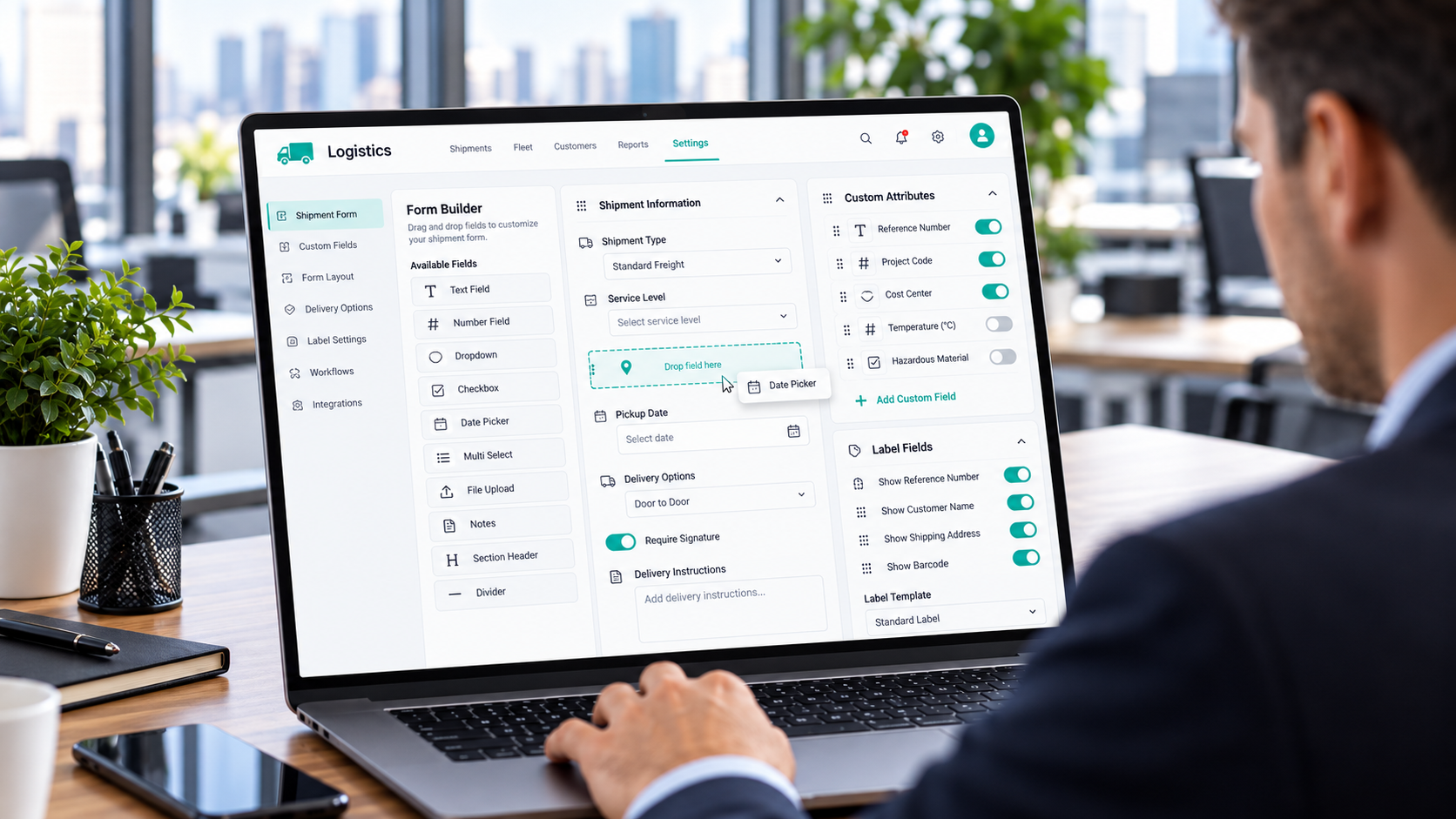
Everything the office needs for a move, from the request to the invoice: calendar, addresses, packages, vehicles, documents and prices in one system.
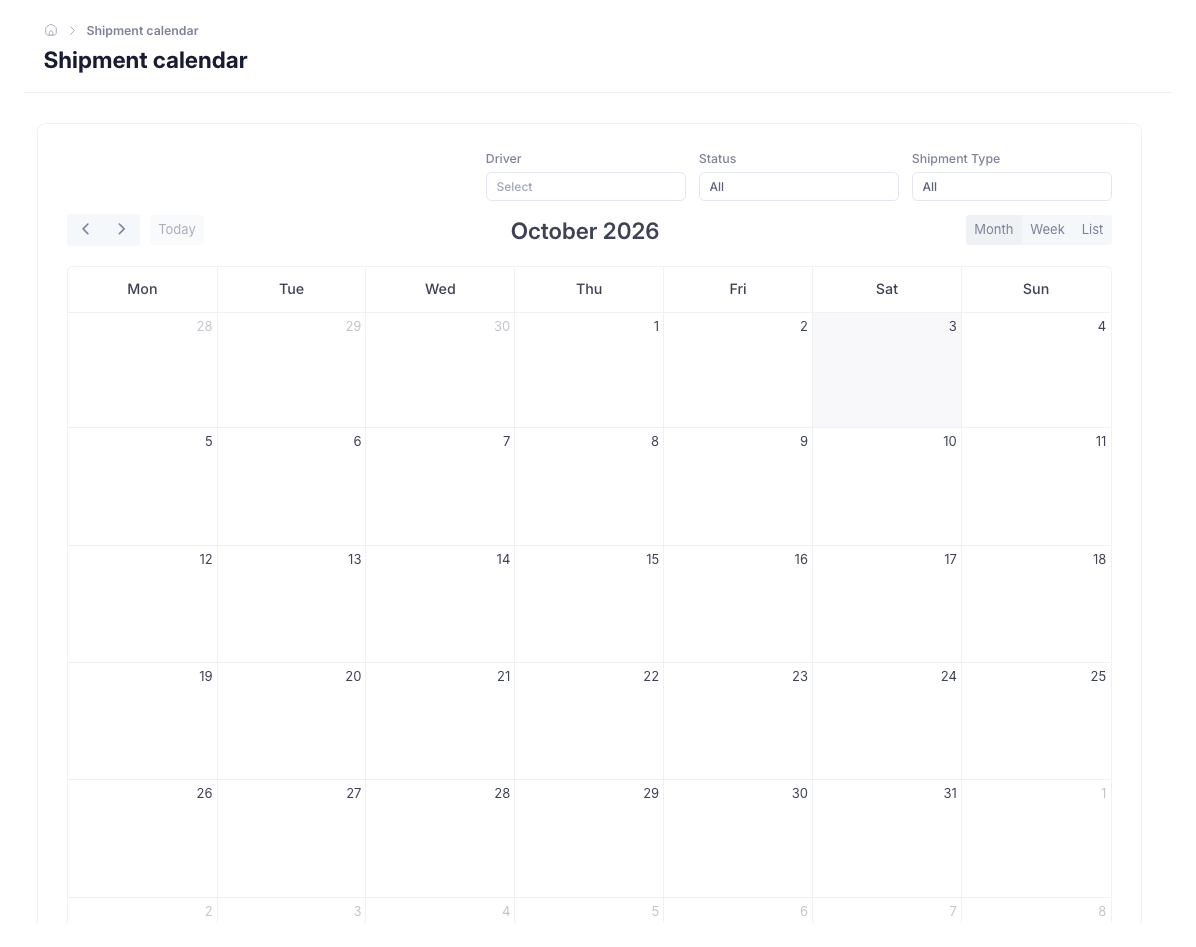
Moving calendar for dispatch
See all moves in one calendar and narrow them down by driver, status and type of move. The office plans on the same entries the drivers see in their app.
Loading and unloading address with date and time
Enter the current address as the sender and the new address as the receiver, with a pickup and a delivery date. Both can have a time. A move without a time is planned for the whole day. Customers and their addresses are saved once and reused.
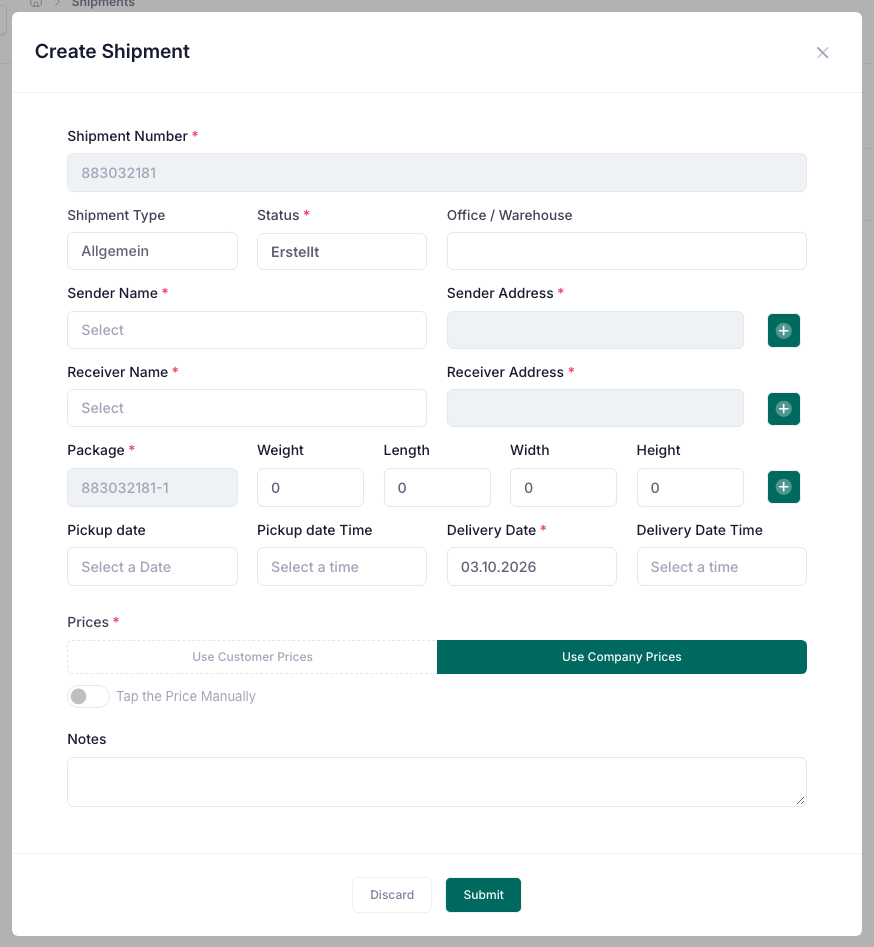
Boxes, furniture and special items as packages
A move holds as many packages as you need, each with description, quantity, weight and dimensions. List boxes, wardrobes, a piano or a safe, so the crew knows what to load.
Your own types of moves
Create the types of moves your business offers, such as private move, office move, furniture transport or house clearance, and give each one a colour. The types appear as badges in the list, in the filters and in the calendar.
Your own statuses for every step
Name the steps of a move yourself, for example viewing, packed, loaded and unloaded. Doards updates the status when the driver starts and ends the job.
Drivers and vehicles for every move
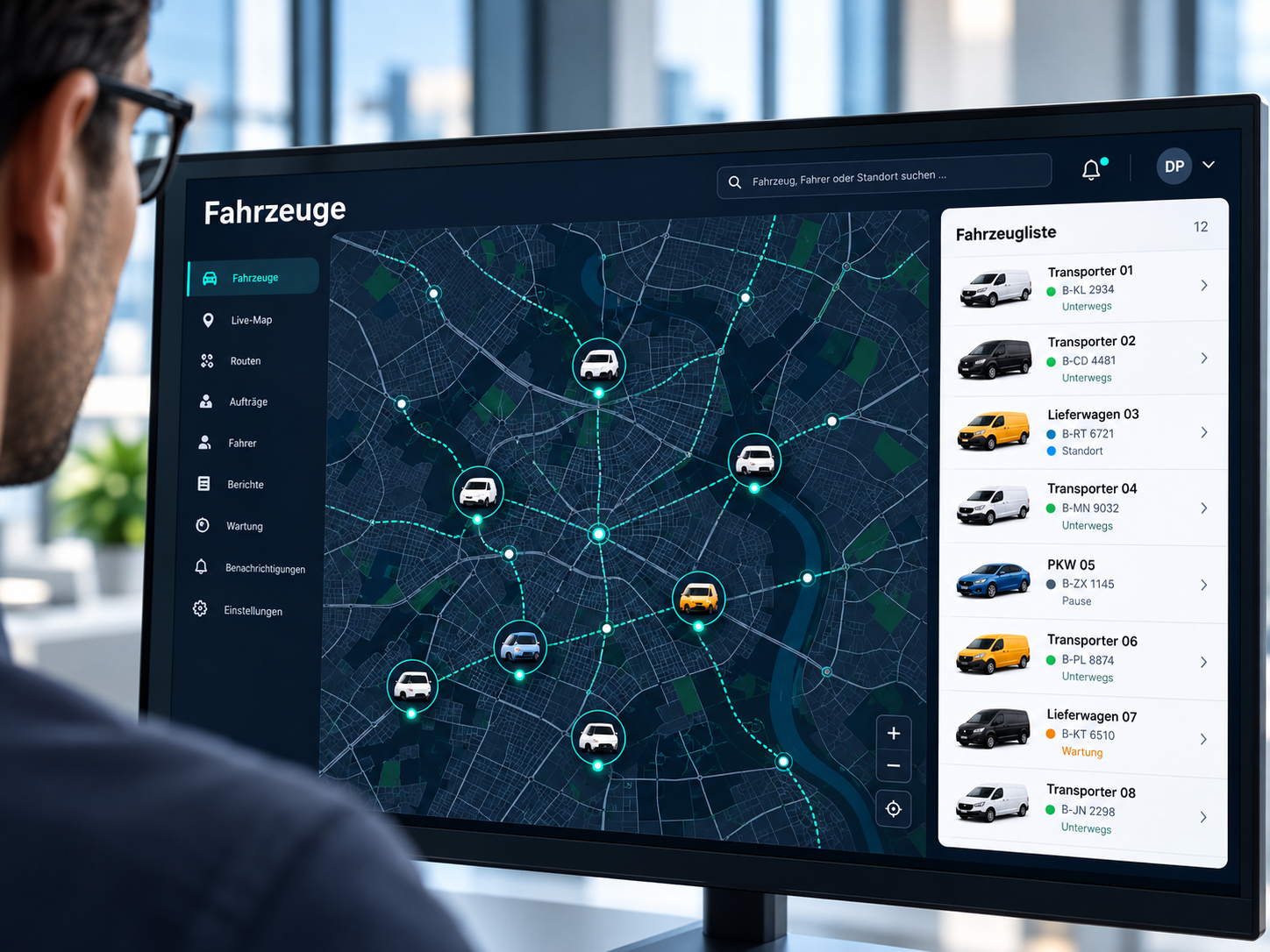
Assign a driver and a vehicle to every move. On a busy day, select several moves and set a status or assign a driver in one step. Your vehicles with technical data, inspection dates and tracking stay in fleet management.
Delivery notes and labels
Print delivery notes and labels for boxes and furniture directly from the move, using templates adapted to your business. The driver shows the delivery note to the customer in the app.
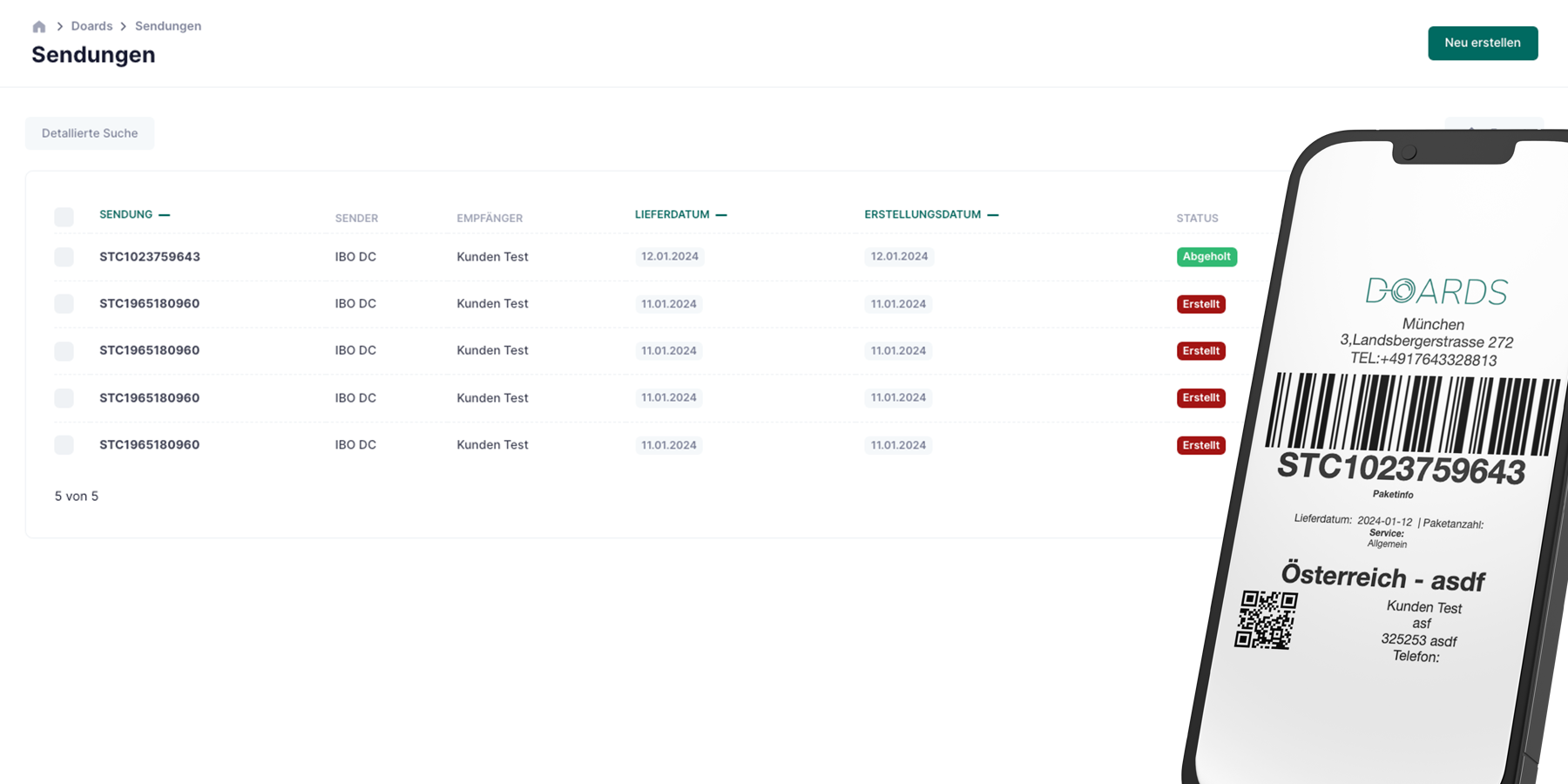
Prices and invoice
Price a move per package, with your company price, a price for a specific customer or a price you enter, and create the invoice directly from the move in Doards accounting. The invoice status is shown in the move.
Subcontractors and partner companies
Assign a move to a partner company, for example on peak days or for a long-distance move, and keep the agreed price and the contact person with the move.
Moving calendar for dispatch
See all moves in one calendar and narrow them down by driver, status and type of move. The office plans on the same entries the drivers see in their app.
Loading and unloading address with date and time
Enter the current address as the sender and the new address as the receiver, with a pickup and a delivery date. Both can have a time. A move without a time is planned for the whole day. Customers and their addresses are saved once and reused.
Boxes, furniture and special items as packages
A move holds as many packages as you need, each with description, quantity, weight and dimensions. List boxes, wardrobes, a piano or a safe, so the crew knows what to load.
Your own types of moves
Create the types of moves your business offers, such as private move, office move, furniture transport or house clearance, and give each one a colour. The types appear as badges in the list, in the filters and in the calendar.
Your own statuses for every step
Name the steps of a move yourself, for example viewing, packed, loaded and unloaded. Doards updates the status when the driver starts and ends the job.
Drivers and vehicles for every move
Assign a driver and a vehicle to every move. On a busy day, select several moves and set a status or assign a driver in one step. Your vehicles with technical data, inspection dates and tracking stay in fleet management.
Delivery notes and labels
Print delivery notes and labels for boxes and furniture directly from the move, using templates adapted to your business. The driver shows the delivery note to the customer in the app.
Prices and invoice
Price a move per package, with your company price, a price for a specific customer or a price you enter, and create the invoice directly from the move in Doards accounting. The invoice status is shown in the move.
Subcontractors and partner companies
Assign a move to a partner company, for example on peak days or for a long-distance move, and keep the agreed price and the contact person with the move.