 English
  Deutsch
English
Deutsch
English  Türkçe
  Italiano
  Français
Rental online booking form
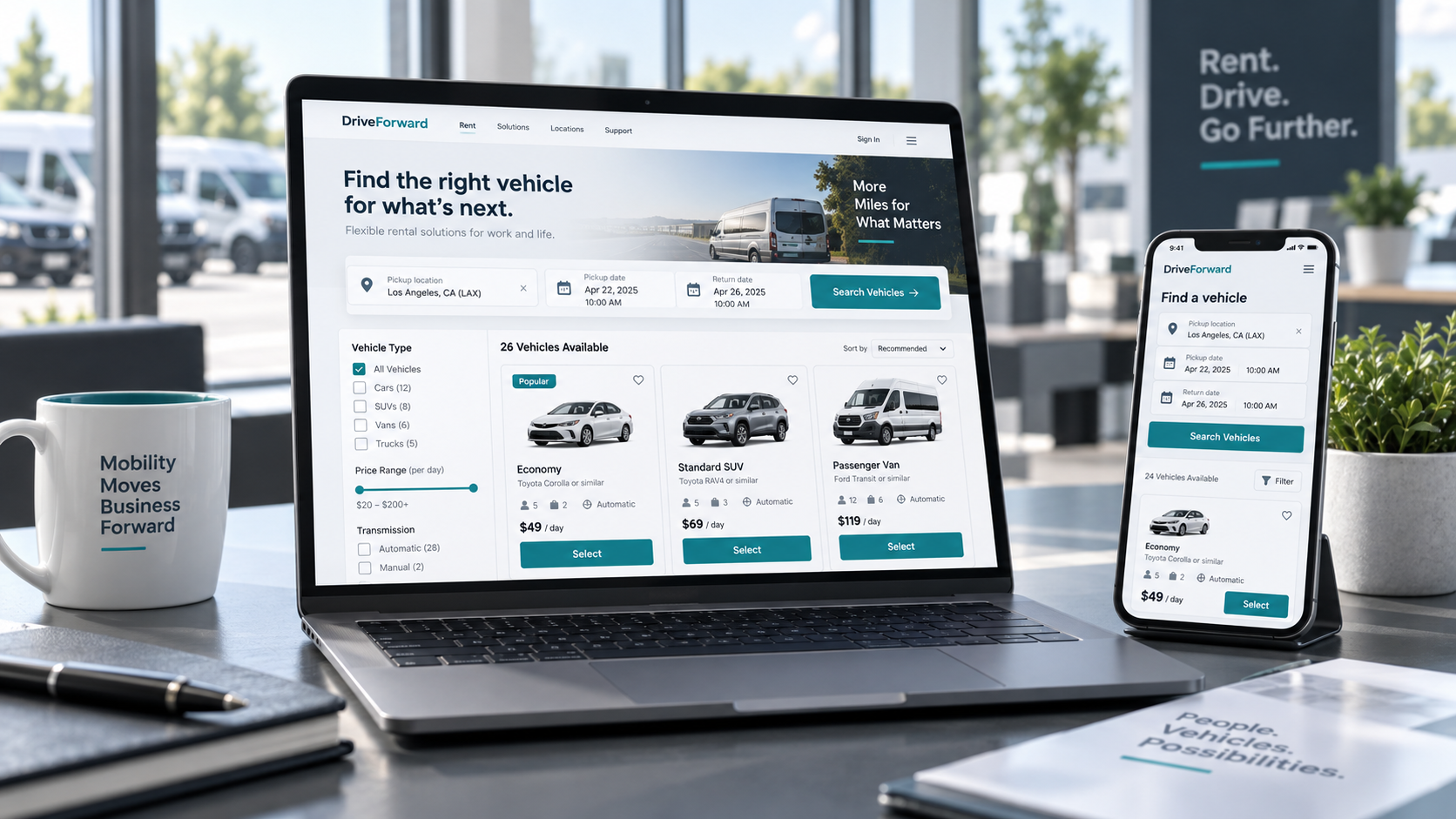
Add a Doards-powered booking form to any rental website so customers can select dates, assets, quantities, extras, and customer details online.
The form works for cars, trailers, bikes, draisines, equipment, and other rental assets, then sends the booking into your Doards workflow.
Embeddable on your website
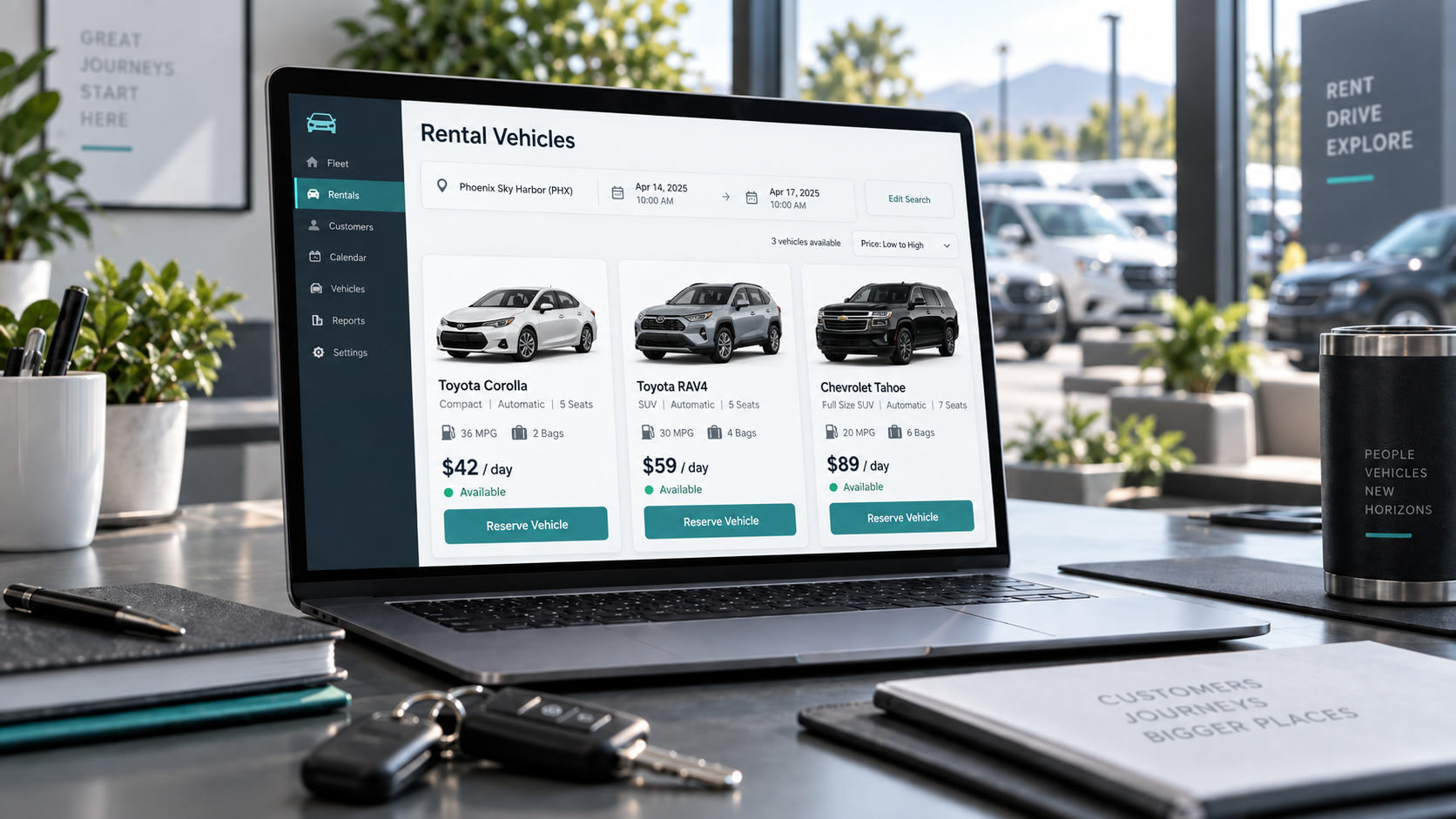
The screenshot shows a Doards booking form running inside a public rental website. You can add it to WordPress, Jimdo, a custom website, or any page that supports an iframe or direct booking link.
Customers stay on your website, while booking data is collected in the Doards rental workflow.
Works for mixed rental inventory
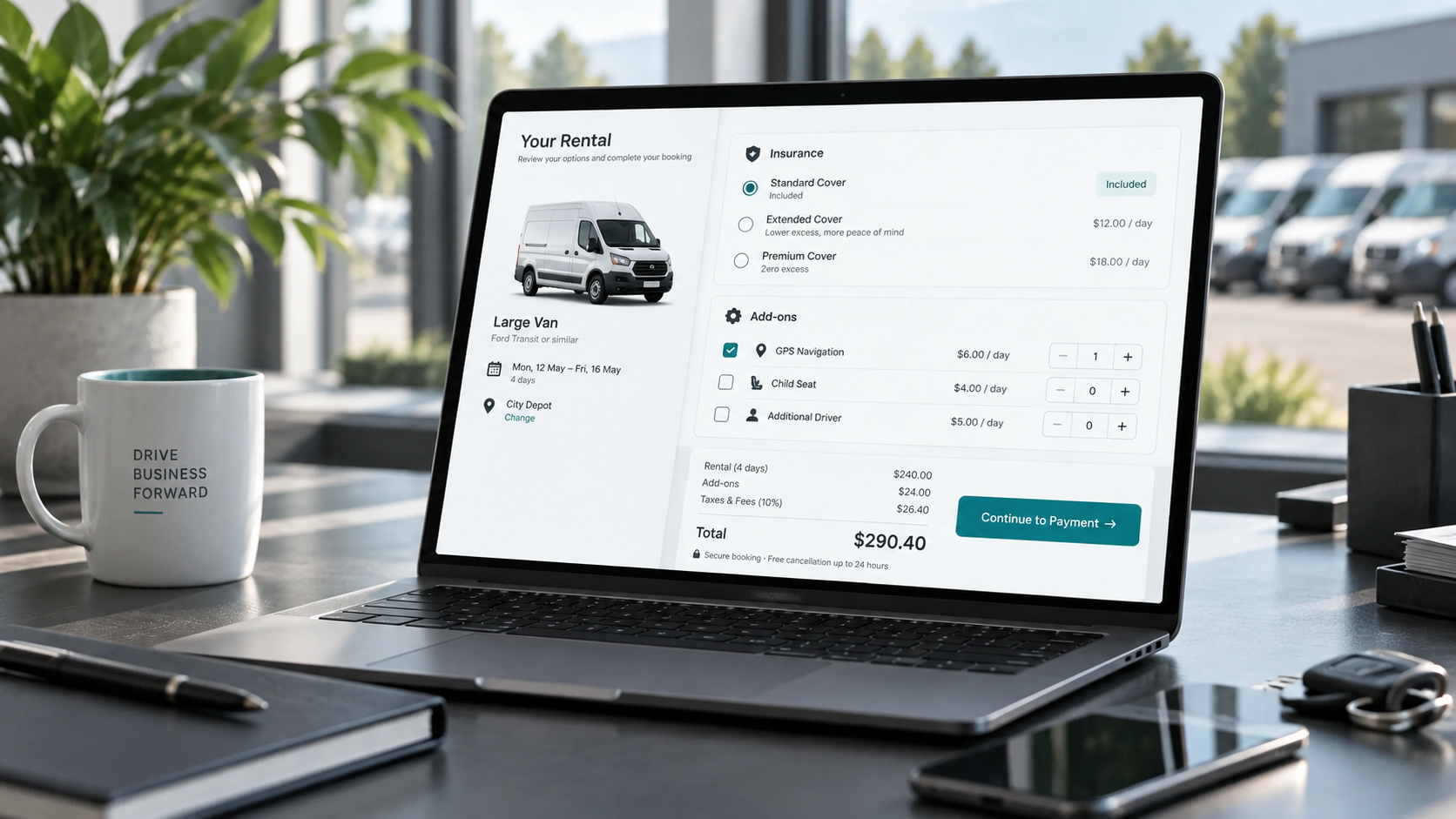
The product selection screenshot shows draisine rental packages, not cars. The same online form can handle different rental assets, capacities, price rules, add-ons, and quantity steppers.
Use it for cars, trailers, bikes, boats, tools, equipment, routes, packages, or any asset type that needs online availability and reservation logic.
Finish the booking online
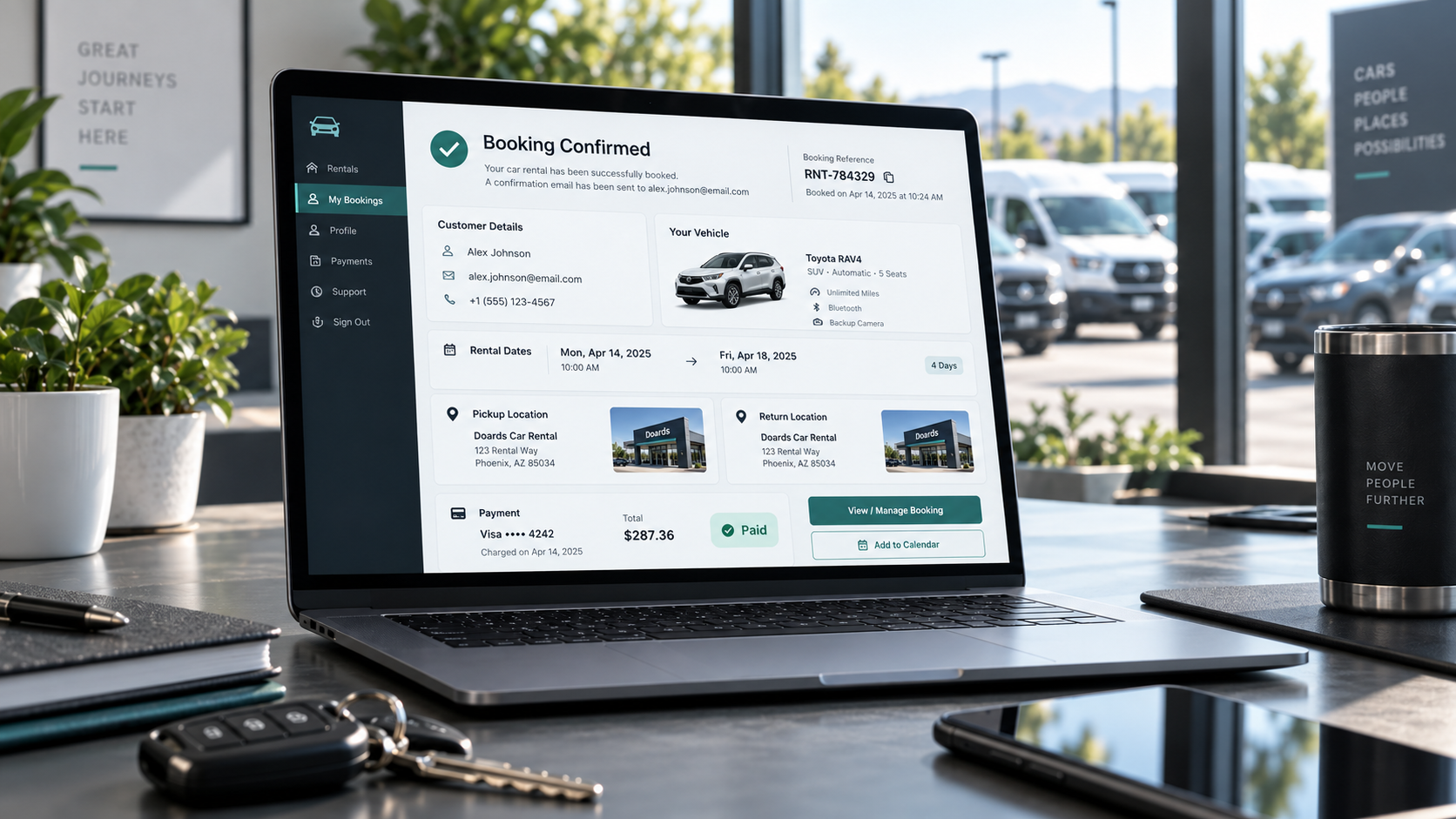
The checkout screenshot shows the final step: customers review the booking summary, continue as a guest or registered customer, and enter contact, address, and phone details before confirmation.
Doards can then keep the reservation, customer data, selected assets, prices, extras, and follow-up workflow connected in one place.
Configure assets, prices, and availability
Set rental assets, capacities, blocked dates, pickup windows, prices, deposits, and add-ons in Doards.
Publish the form on your website
Copy the hosted booking form link and add it as an iframe or direct booking link on your website.
Customers book online
Customers select a date, choose available rental assets, enter their details, and submit the booking request.
Your team manages it in Doards
The booking is available in Doards for confirmation, handover, contracts, checkout, return inspection, and billing.
Embeddable on your website
The screenshot shows a Doards booking form running inside a public rental website. You can add it to WordPress, Jimdo, a custom website, or any page that supports an iframe or direct booking link.
Customers stay on your website, while booking data is collected in the Doards rental workflow.
Works for mixed rental inventory
The product selection screenshot shows draisine rental packages, not cars. The same online form can handle different rental assets, capacities, price rules, add-ons, and quantity steppers.
Use it for cars, trailers, bikes, boats, tools, equipment, routes, packages, or any asset type that needs online availability and reservation logic.
Finish the booking online
The checkout screenshot shows the final step: customers review the booking summary, continue as a guest or registered customer, and enter contact, address, and phone details before confirmation.
Doards can then keep the reservation, customer data, selected assets, prices, extras, and follow-up workflow connected in one place.
Configure assets, prices, and availability
Set rental assets, capacities, blocked dates, pickup windows, prices, deposits, and add-ons in Doards.
Publish the form on your website
Copy the hosted booking form link and add it as an iframe or direct booking link on your website.
Customers book online
Customers select a date, choose available rental assets, enter their details, and submit the booking request.
Your team manages it in Doards
The booking is available in Doards for confirmation, handover, contracts, checkout, return inspection, and billing.