English
 Deutsch
English
 Türkçe
 Italiano
 Français

DISI Poster
Describe a task and let DISI Poster create invoices, bookings and automated workflows directly in Doards.
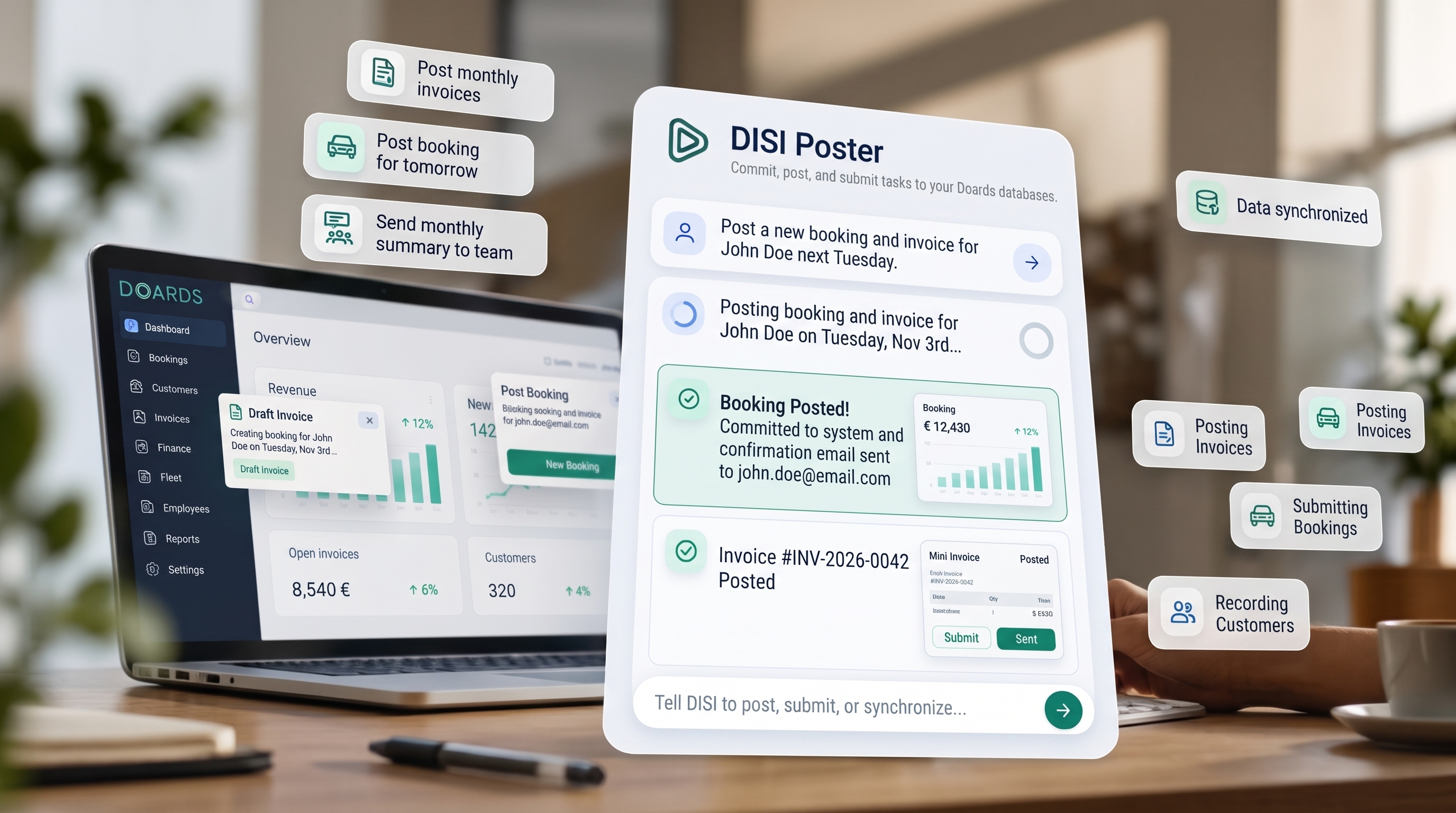
From instructions to completed work
Create records, send documents and automate recurring tasks from the DISI chat.
Tell DISI what to do
Describe the invoice, booking or workflow you need in everyday language. Include the customer, amounts, dates and other details needed for the task.
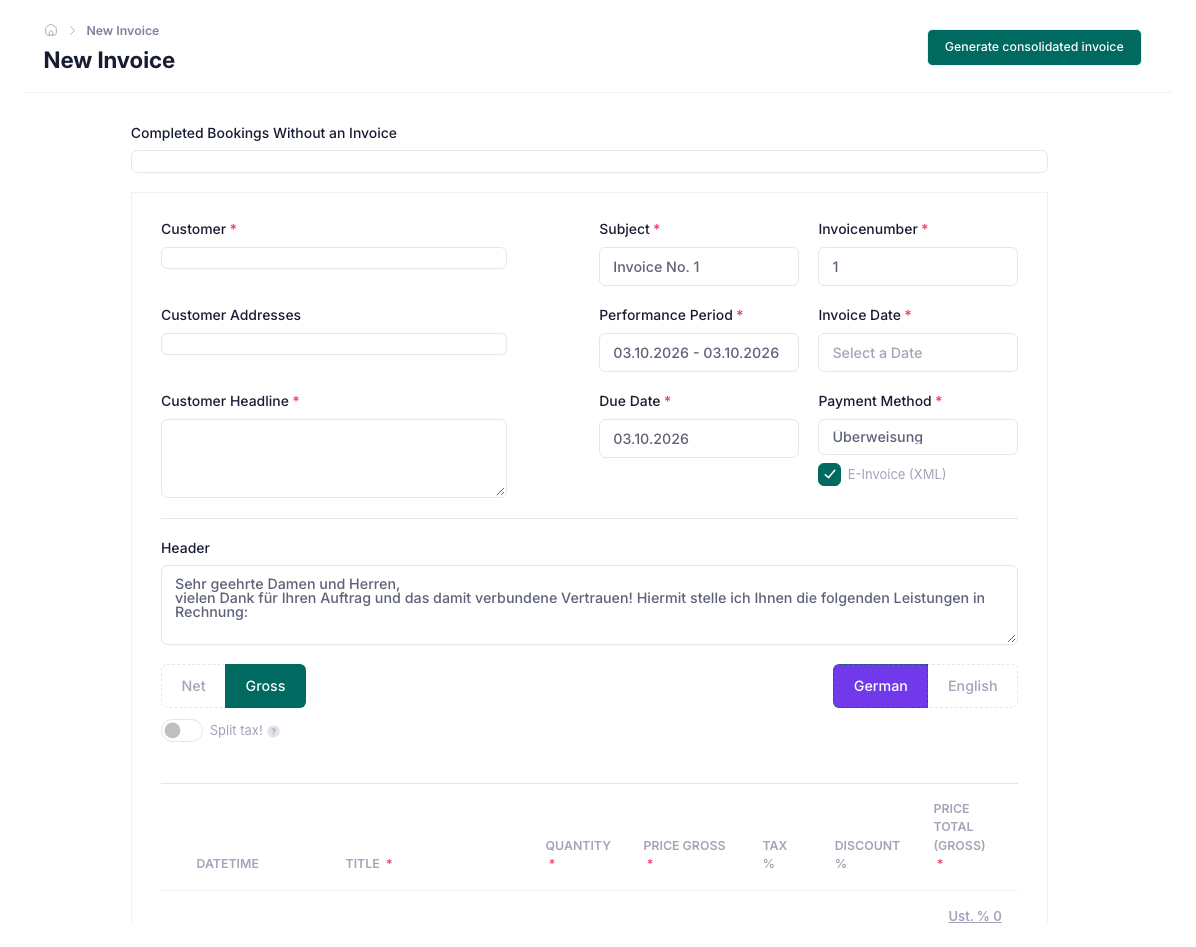
Create and send invoices
Create customer invoices with amounts, VAT and payment deadlines, then send them by email. DISI Poster carries out the steps you describe inside Doards.
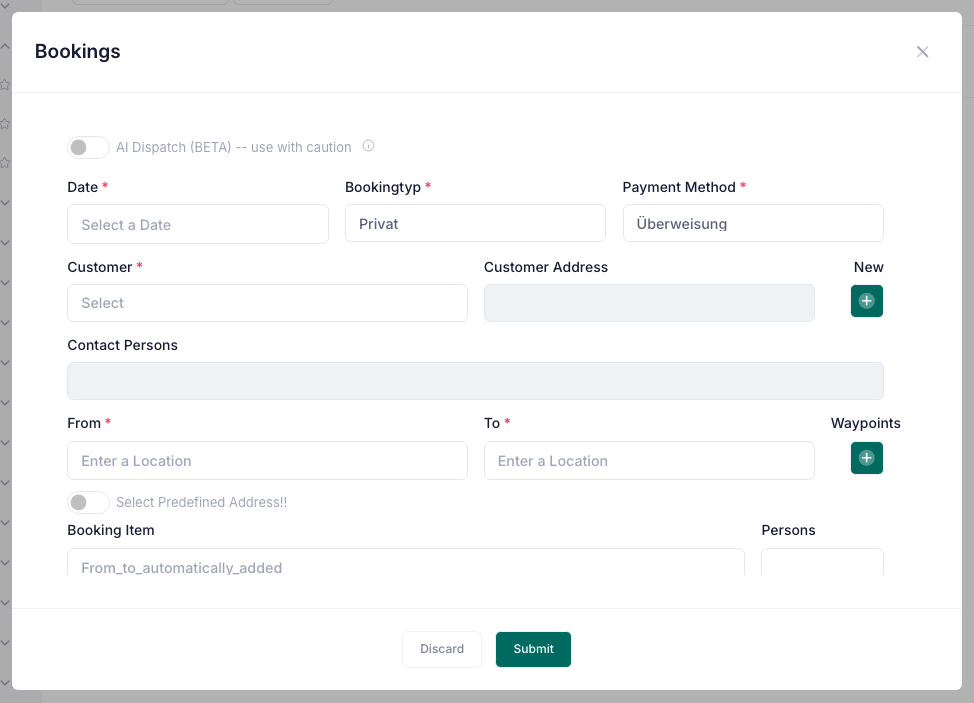
Create bookings and assign drivers
Create a booking with customer, pickup and destination, date, time and passenger details. Add a driver assignment in the same instruction.
Build automated workflows
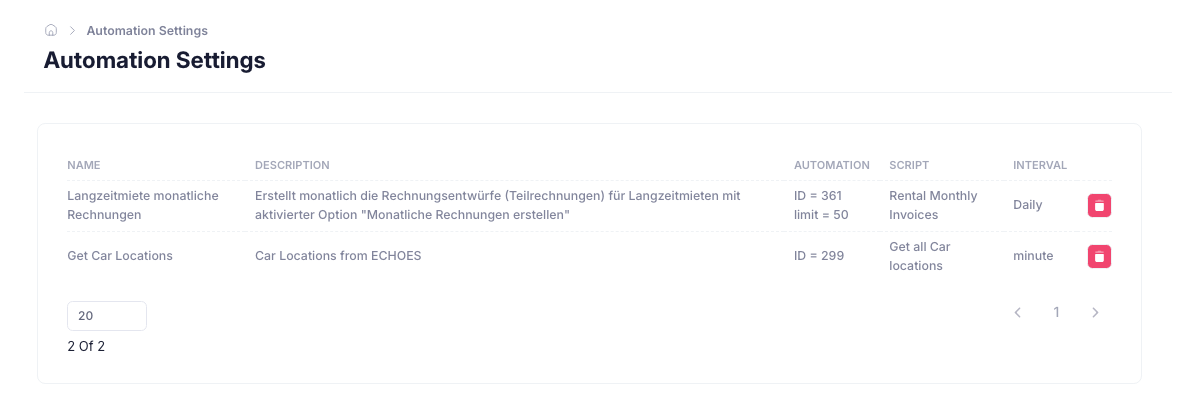
Describe a trigger and the steps that should follow. For example, when a customer accepts a quotation via WhatsApp, create the order, generate an invoice and send it.
Reminders and team notifications
Include follow-ups in your workflows, such as a payment reminder after 14 days or a notification to accounting when an invoice remains unpaid.
Tell DISI what to do
Describe the invoice, booking or workflow you need in everyday language. Include the customer, amounts, dates and other details needed for the task.
Create and send invoices
Create customer invoices with amounts, VAT and payment deadlines, then send them by email. DISI Poster carries out the steps you describe inside Doards.
Create bookings and assign drivers
Create a booking with customer, pickup and destination, date, time and passenger details. Add a driver assignment in the same instruction.
Build automated workflows
Describe a trigger and the steps that should follow. For example, when a customer accepts a quotation via WhatsApp, create the order, generate an invoice and send it.
Reminders and team notifications
Include follow-ups in your workflows, such as a payment reminder after 14 days or a notification to accounting when an invoice remains unpaid.
Try these instructions:
“Create an invoice for €100 for ABC GmbH for consulting services, apply VAT, set a 14-day payment deadline and send it by email.”
“Create a booking for ABC GmbH tomorrow at 09:30 from Munich Airport to Hotel Bayerischer Hof for two passengers and assign driver Markus Weber.”
“When a customer accepts a quotation via WhatsApp, create the order and send the invoice. If it is still unpaid after 14 days, send a reminder and notify accounting.”