English
 Deutsch
English
 Türkçe
 Italiano
 Français

Accounting
With Doards, you go far beyond simple invoice creation. Manage reminders, optimize your inventory, and access everything you need for efficient accounting. Effortlessly create income-surplus statements (EÜR) and export your data with ease.

Automated accounting
Our accounting system not only automates invoice creation, but also optimizes your accounting processes from start to finish.
Various reporting options
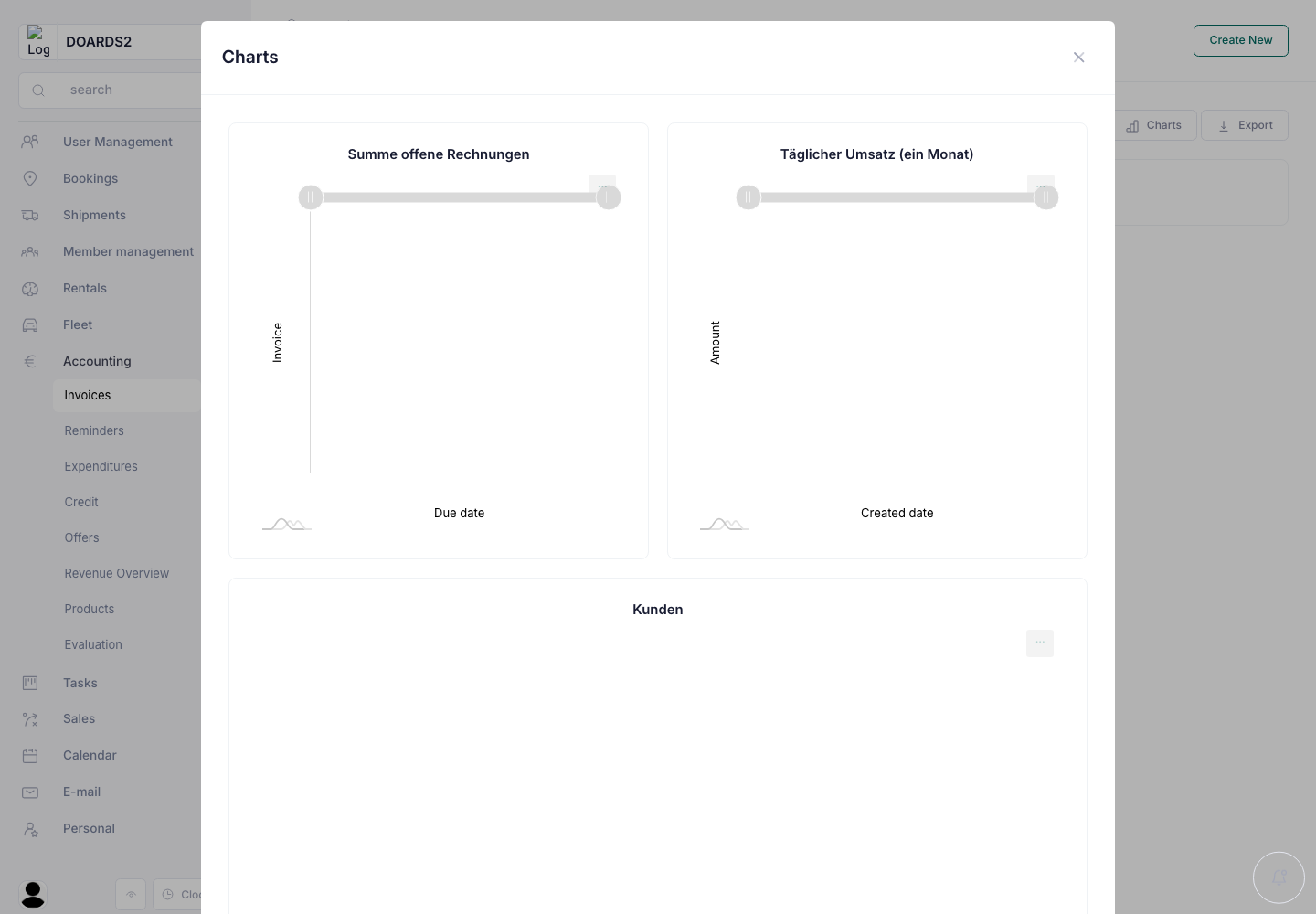
Create detailed financial reports, income-surplus statements (EÜR), summary reports and more to keep track of your financial situation.

X-Invoice
Our system automatically generates XInvoices in XML format and sends them directly to the appropriate recipients. Save time, avoid errors, and stay compliant – fully integrated and efficient.
Real-time data access
Access your accounting data anytime and anywhere, and seamlessly synchronize it with other business applications.
Customizable
Furthermore, our entire platform is designed to be easily adaptable to different requirements. These individualized dashboards provide an intuitive user interface and allow users to display exactly the information and tools relevant to their specific tasks and responsibilities.

DATEV and RZL export
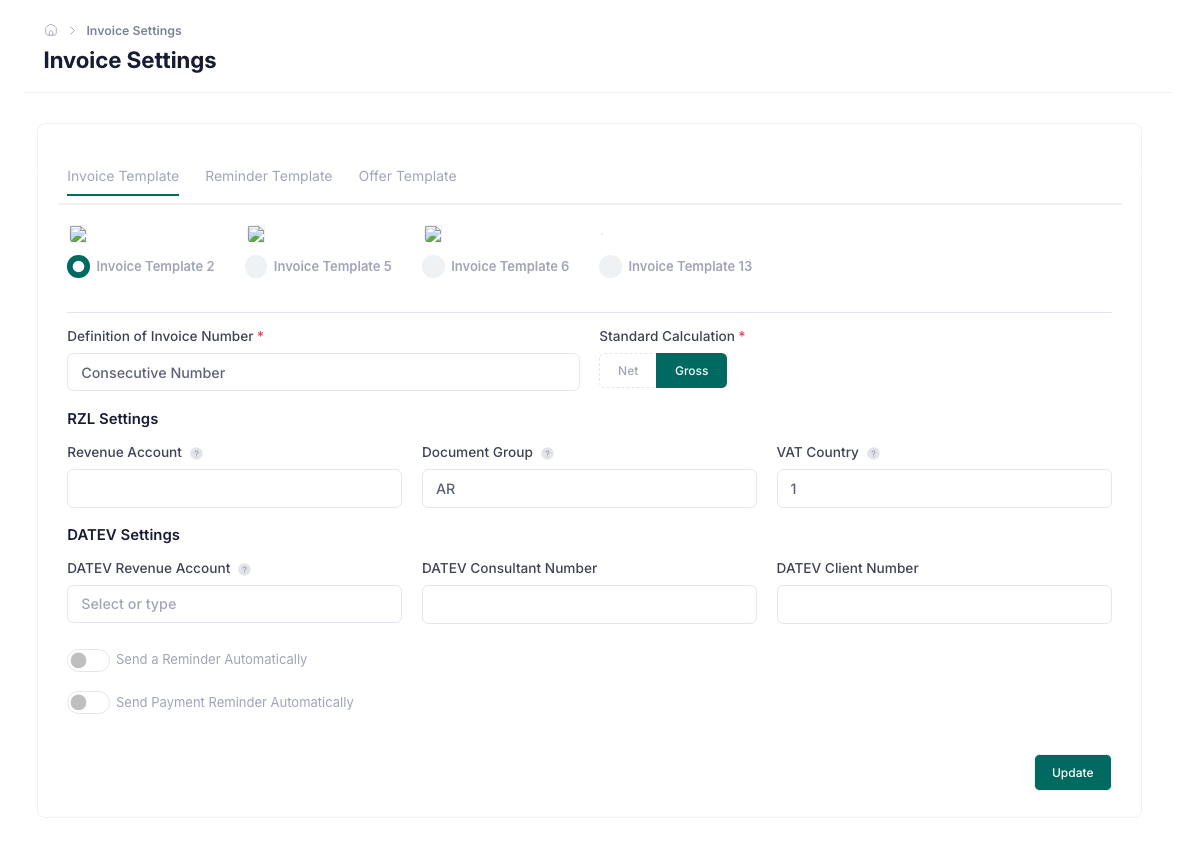
Export the invoices of any period as a DATEV booking batch or for RZL accounting. Revenue accounts, tax keys and consultant numbers are set once in the invoice settings.
Revenue overview
See every booking, rental and shipment of a period with its payment method, its invoice and whether that invoice is paid. Filter by driver or payment method and download the table.

General ledger
Post invoices, credit notes, expenses, payments and corrections in a general ledger. Follow each posting in the journal.
Financial reports and fiscal years
Review account reports, the balance sheet, profit and loss, VAT and open items. Close a fiscal year and reopen it when corrections are needed.
Accounting exports and review
Export posted transactions in DATEV format and keep a history of exports. Review revenue, expenses and balance in the invoice evaluation.
Invoices and offers
Preview a cancellation invoice before creating it. Offers have their own running numbers, and invoice numbering is consistent across supported invoice types.
Automated accounting
Our accounting system not only automates invoice creation, but also optimizes your accounting processes from start to finish.
Various reporting options
Create detailed financial reports, income-surplus statements (EÜR), summary reports and more to keep track of your financial situation.
X-Invoice
Our system automatically generates XInvoices in XML format and sends them directly to the appropriate recipients. Save time, avoid errors, and stay compliant – fully integrated and efficient.
Real-time data access
Access your accounting data anytime and anywhere, and seamlessly synchronize it with other business applications.
Customizable
Furthermore, our entire platform is designed to be easily adaptable to different requirements. These individualized dashboards provide an intuitive user interface and allow users to display exactly the information and tools relevant to their specific tasks and responsibilities.
DATEV and RZL export
Export the invoices of any period as a DATEV booking batch or for RZL accounting. Revenue accounts, tax keys and consultant numbers are set once in the invoice settings.
Revenue overview
See every booking, rental and shipment of a period with its payment method, its invoice and whether that invoice is paid. Filter by driver or payment method and download the table.
General ledger
Post invoices, credit notes, expenses, payments and corrections in a general ledger. Follow each posting in the journal.
Financial reports and fiscal years
Review account reports, the balance sheet, profit and loss, VAT and open items. Close a fiscal year and reopen it when corrections are needed.
Accounting exports and review
Export posted transactions in DATEV format and keep a history of exports. Review revenue, expenses and balance in the invoice evaluation.
Invoices and offers
Preview a cancellation invoice before creating it. Offers have their own running numbers, and invoice numbering is consistent across supported invoice types.