English
 Deutsch
English
 Türkçe
 Italiano
 Français

Uber for Business integration
See the Uber rides of your business in Doards, with ride details and fares.
Connect your Uber for Business organization once and all trips and paid fares appear next to your own bookings.
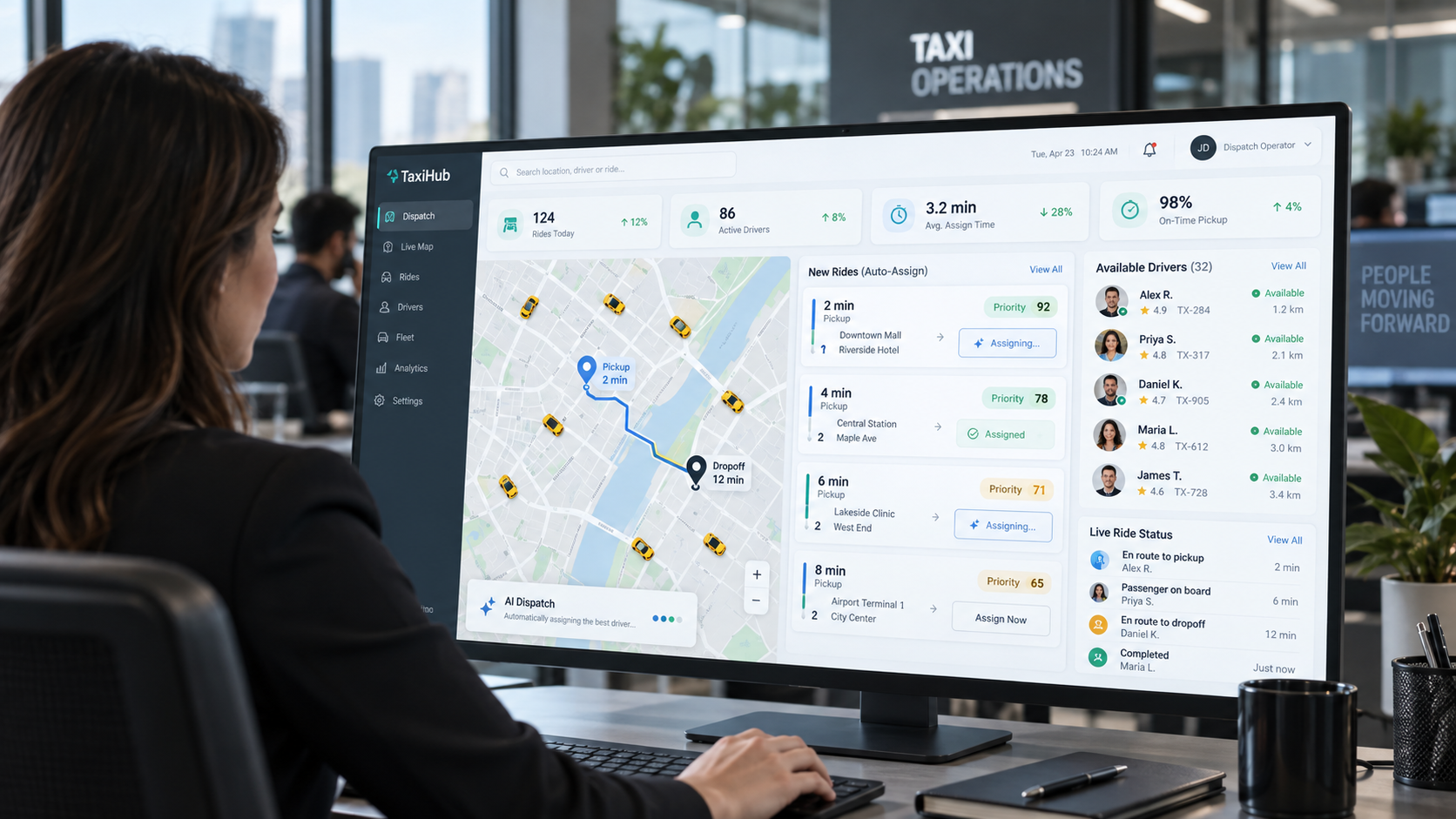
Your Uber rides, inside your ERP
No more switching between the Uber dashboard and your own system.
All Uber rides in one list
Doards reads the rides of your whole Uber for Business organization, not only those of a single employee. You open them from the bookings menu like any other list.

Ride details and fares
Every trip comes with its details and the fare that was paid. You see what was driven, when and at what price.
Totals per currency
Doards adds up the paid fares of the selected period. If your organization pays in more than one currency, each currency gets its own total.
Filter by period and status
Choose a date range and a trip status to narrow the list. Without a selection you see the last 30 days.
Connected without employee logins
Enter the ID of your Uber organization in the API settings and the connection is ready. Nobody has to sign in with a personal Uber account.

All Uber rides in one list
Doards reads the rides of your whole Uber for Business organization, not only those of a single employee. You open them from the bookings menu like any other list.
Ride details and fares
Every trip comes with its details and the fare that was paid. You see what was driven, when and at what price.
Totals per currency
Doards adds up the paid fares of the selected period. If your organization pays in more than one currency, each currency gets its own total.
Filter by period and status
Choose a date range and a trip status to narrow the list. Without a selection you see the last 30 days.
Connected without employee logins
Enter the ID of your Uber organization in the API settings and the connection is ready. Nobody has to sign in with a personal Uber account.