 English
  Deutsch
English
Deutsch
English  Türkçe
  Italiano
  Français
CSV Automation & Import
Create a dedicated mailbox (for example [email protected]), connect it to Doards with IMAP or Microsoft Office/Exchange, and process CSV files automatically. We analyze every file, detect formatting problems, and prepare clean ERP-ready data for safe import.

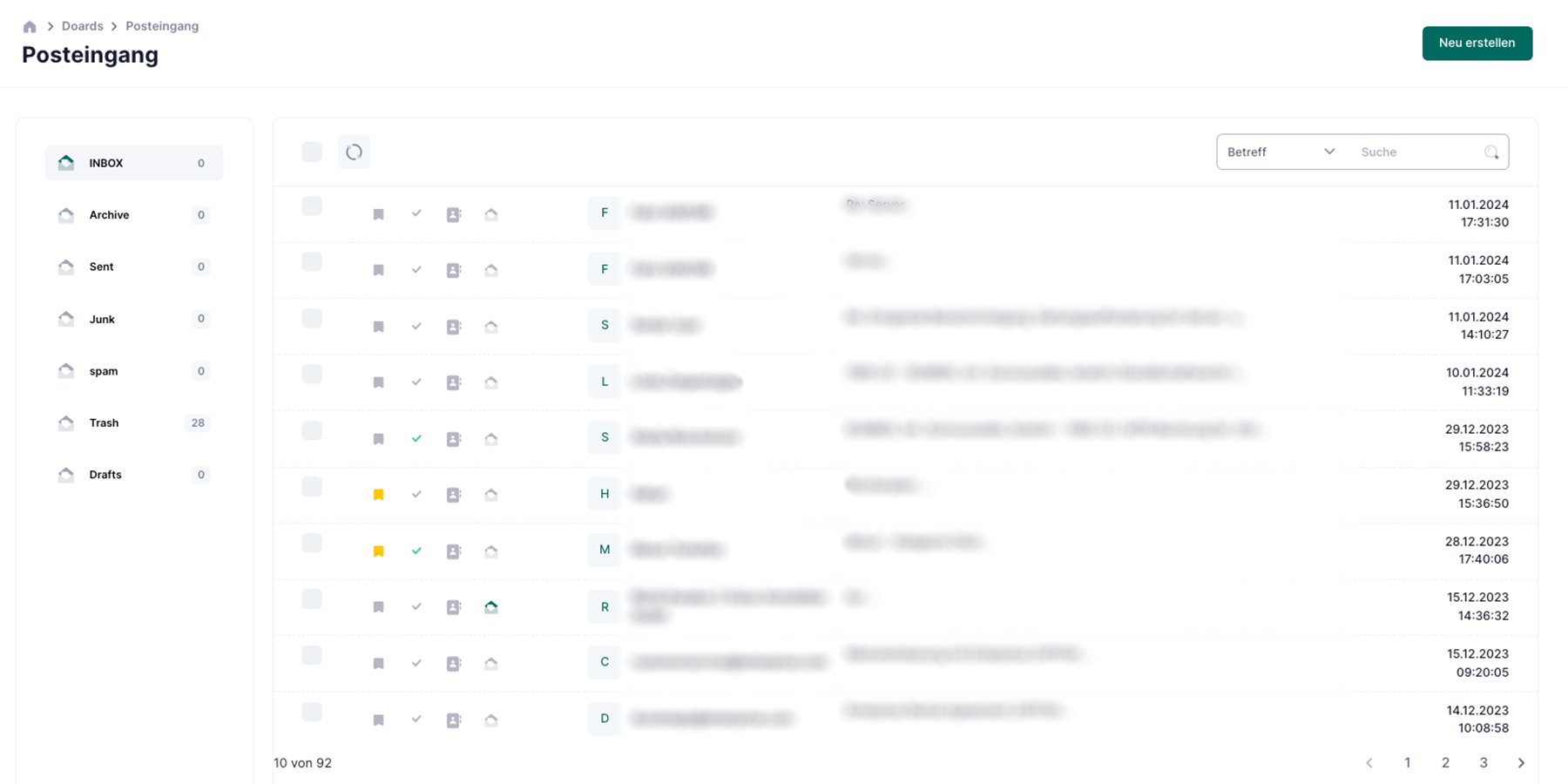
Dedicated mailbox connection
Create or connect a new email address for imports and let Doards fetch CSV attachments automatically.
CSV analysis before import
Each file is checked for delimiter, encoding, missing headers, and invalid values before data reaches your ERP.
Import mapping and fixes
Map CSV columns to ERP fields once, reuse the template, and apply automatic fixes for recurring format issues.
Reliable export back to ERP partners
Generate corrected CSV exports in the exact structure your external ERP or partner system requires and send them automatically.
Dedicated mailbox connection
Create or connect a new email address for imports and let Doards fetch CSV attachments automatically.
CSV analysis before import
Each file is checked for delimiter, encoding, missing headers, and invalid values before data reaches your ERP.
Import mapping and fixes
Map CSV columns to ERP fields once, reuse the template, and apply automatic fixes for recurring format issues.
Reliable export back to ERP partners
Generate corrected CSV exports in the exact structure your external ERP or partner system requires and send them automatically.
How the workflow works
From mailbox to ERP in a controlled and traceable process.
1
Receive
CSV arrives by email or manual upload.
2
Analyze
System validates data quality and structure.
3
Import
Mapped records are imported into ERP modules.
4
Export
Corrected CSV exports are delivered on schedule.